The Ultimate AI-Aware Bundler
For your Mac
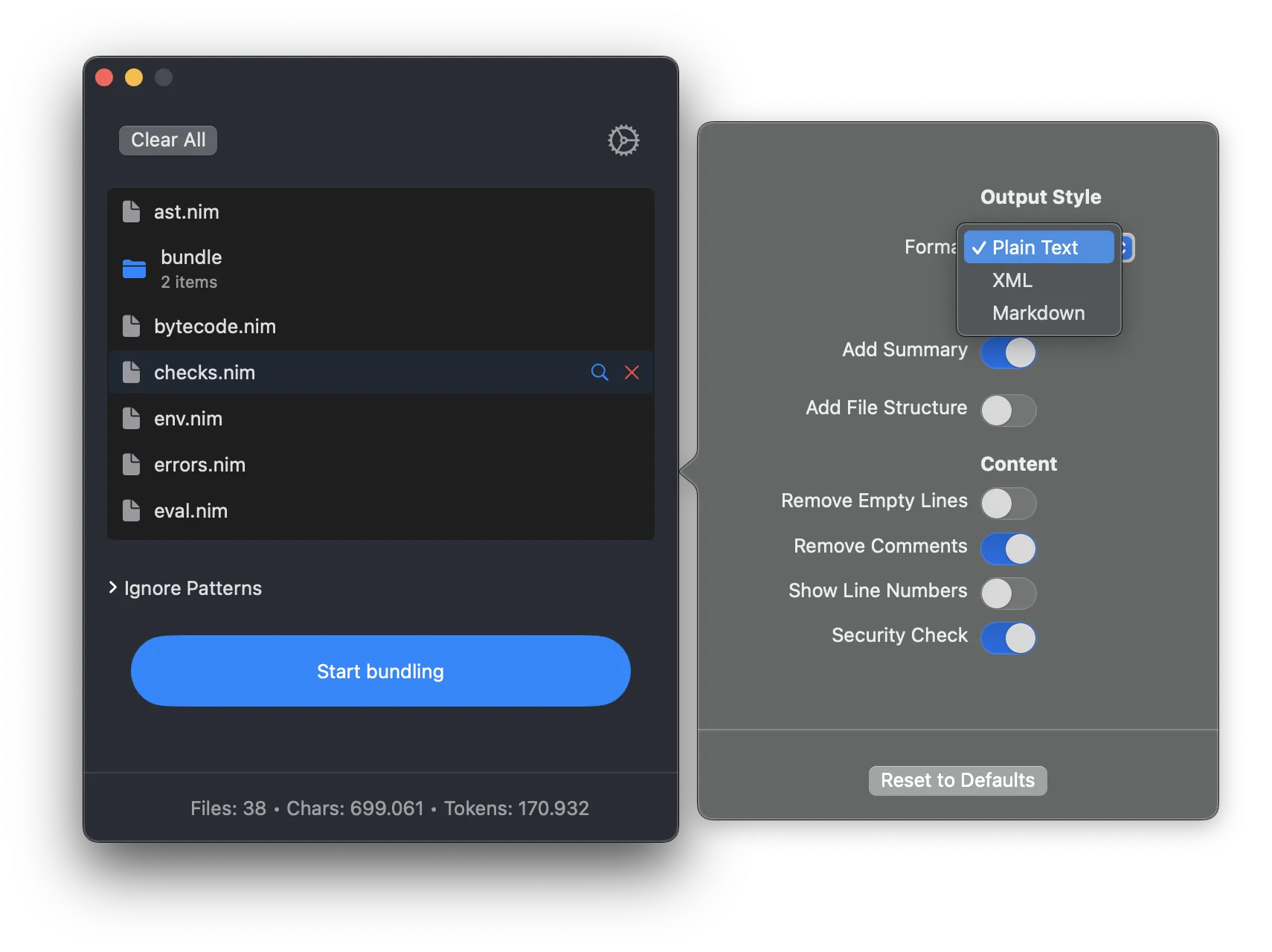
Bundle your files and folders into one document.
Efficiently. Fast. Effortlessly.
What you'll love
Live Project Updates
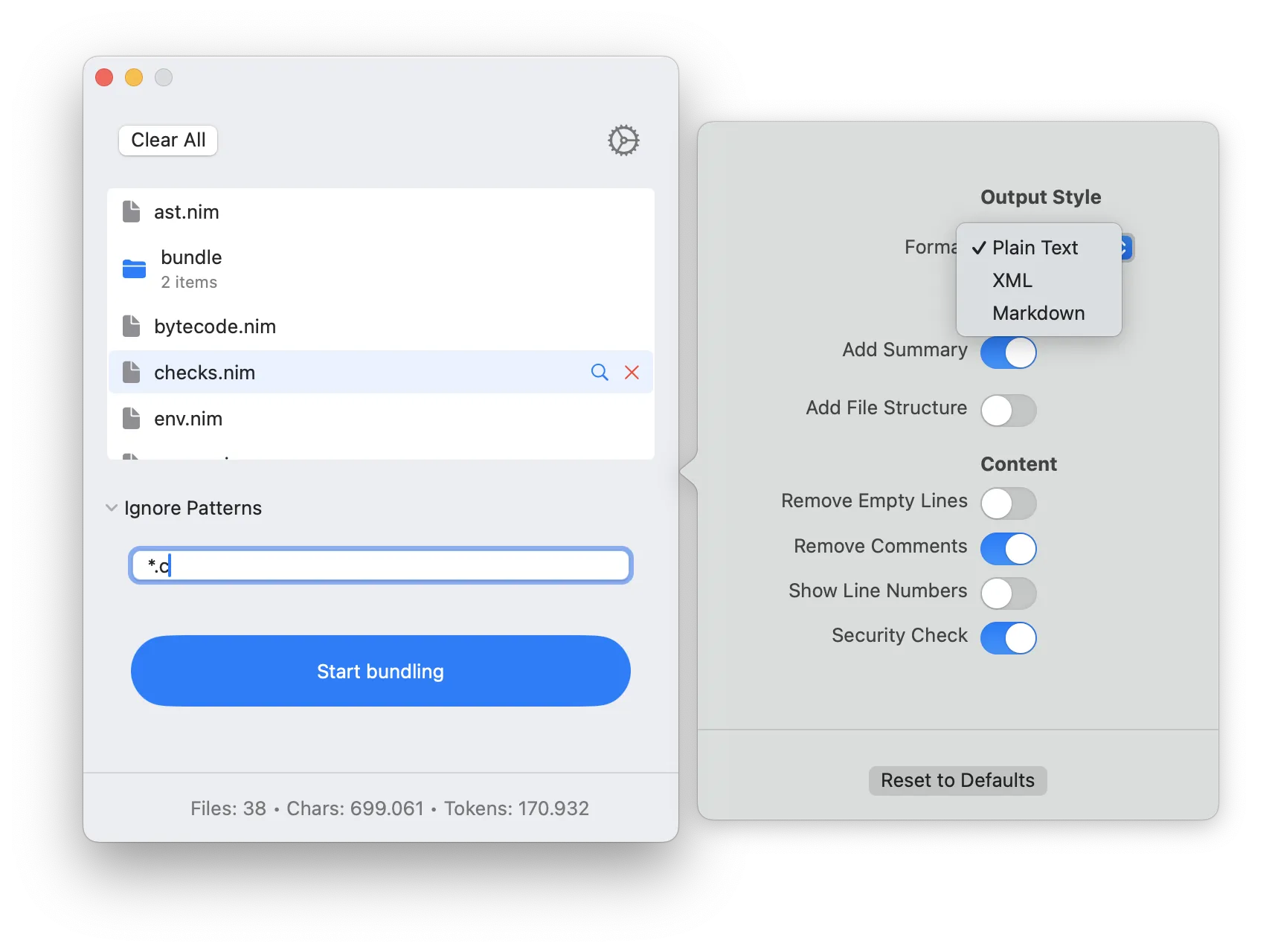
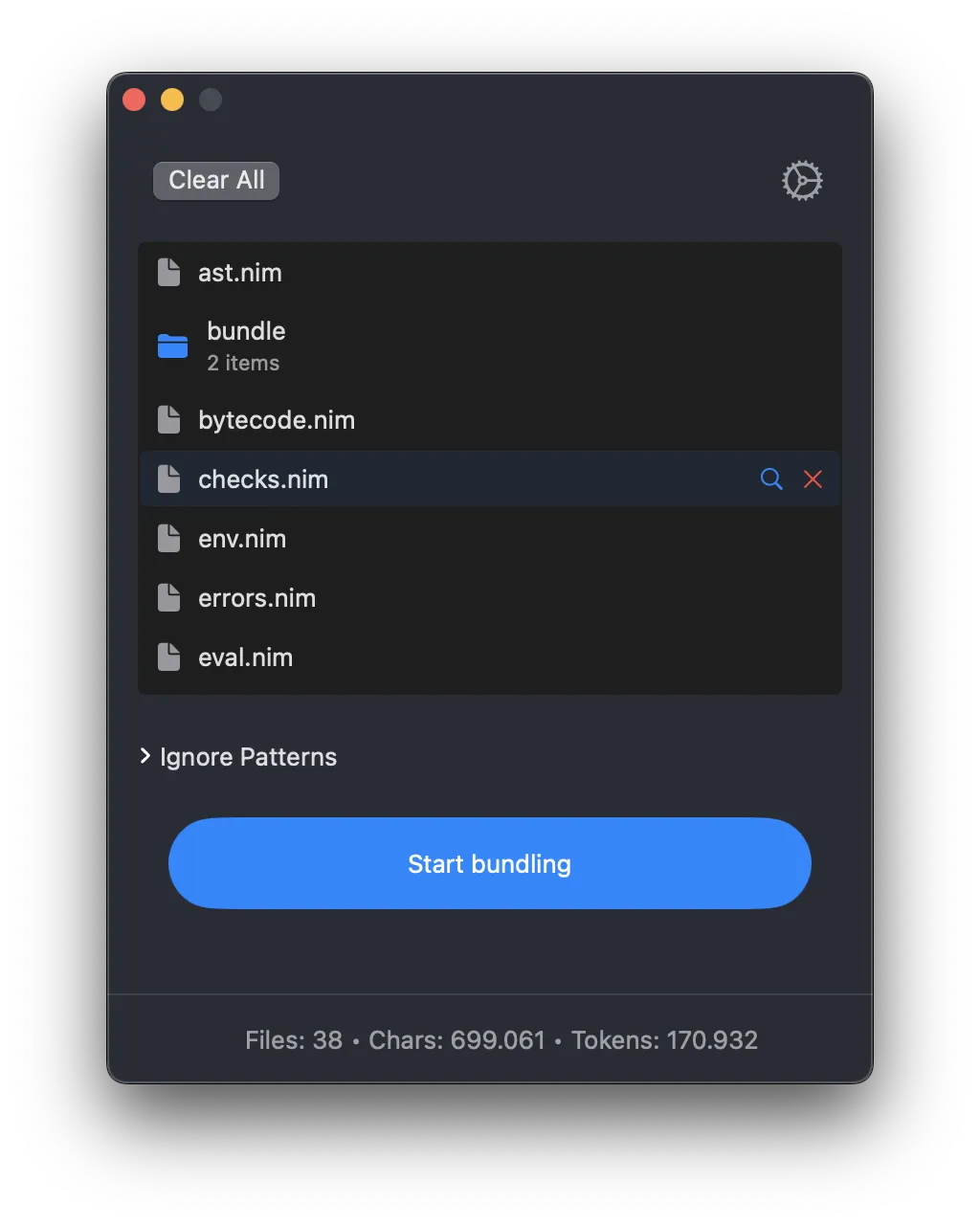
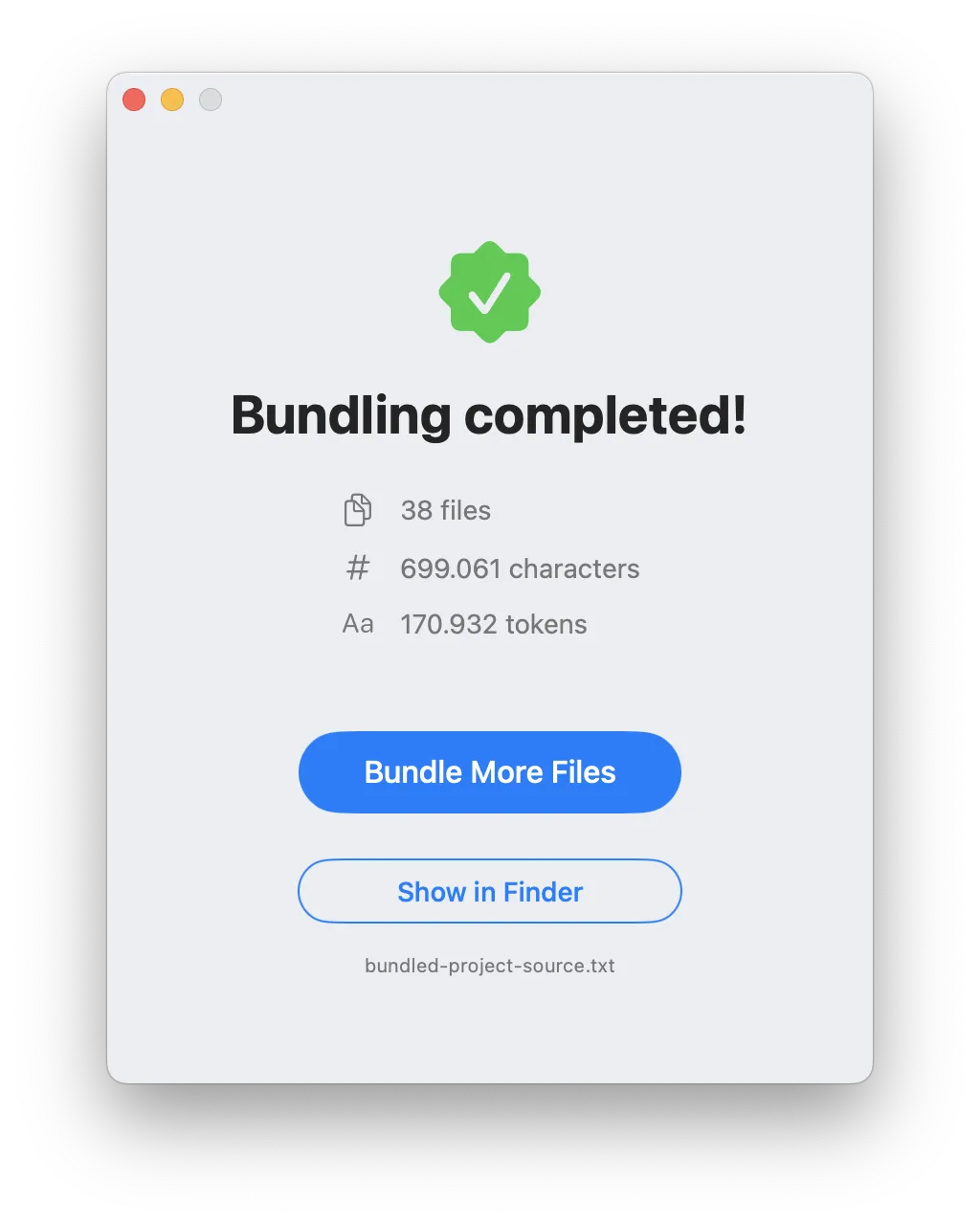
AI Bundler provides real-time updates on file count, character count, and token count. Stay within AI model context limits and optimize your data for Claude, ChatGPT, DeepSeek, and more.
Drag & Drop Simplicity
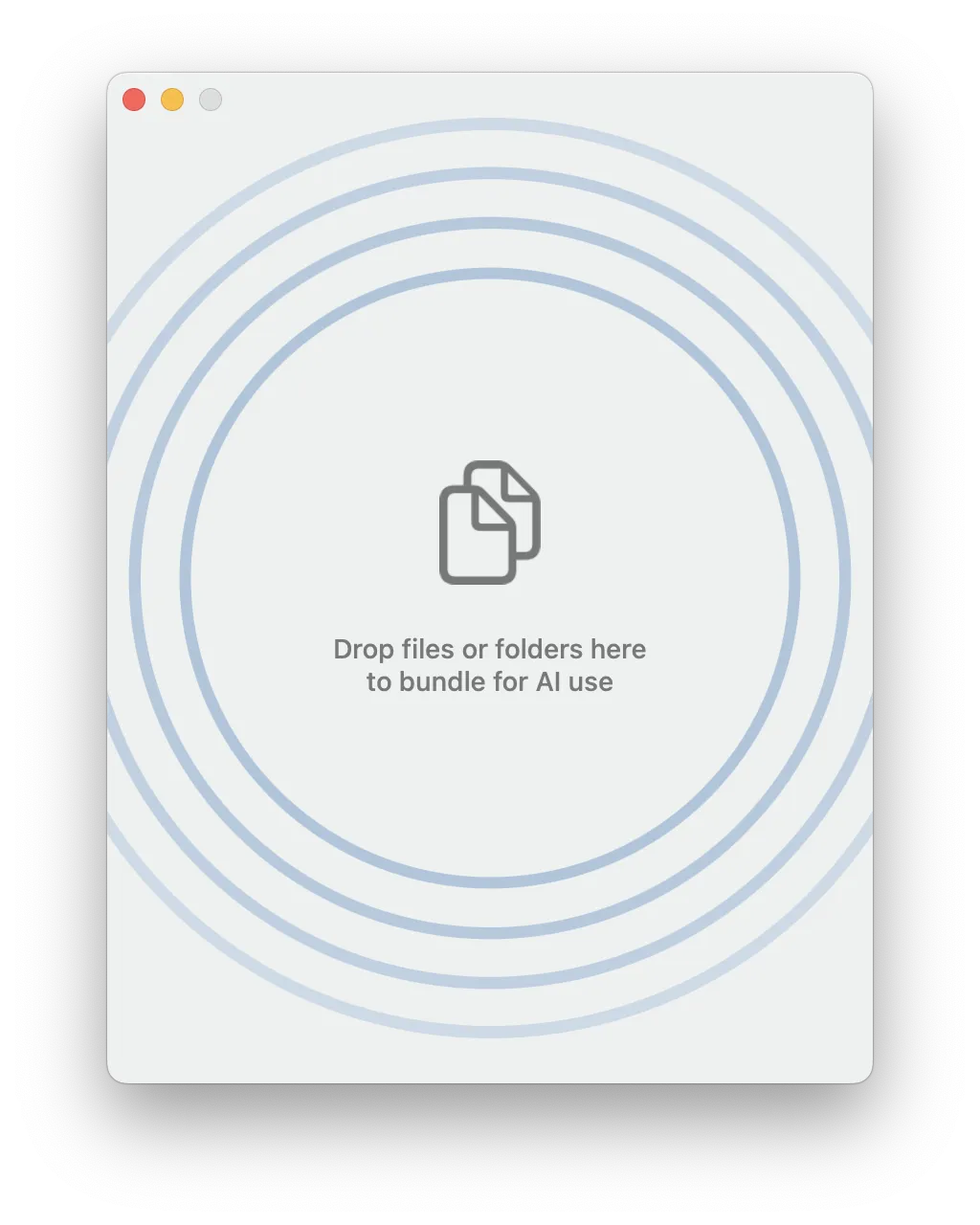
Don’t want to deal with complex file selection? No problem. With AI Bundler, you can simply drag and drop your files or folders directly into the app. It will handle everything with ease.
Multiple Output Formats
Whether you need plain text, XML, or Markdown, AI Bundler supports multiple output formats. Customize your output to fit your AI project’s needs quickly, efficiently, and without any hassle.
Customizable Output
Tailor your bundled output with options to remove comments, add summaries, and include file structures. AI Bundler gives you full control over how your files are organized and presented.
Clean & Structured Data
AI Bundler ensures your data is clean and structured, making it perfect for AI training or analysis. Remove empty lines, comments, and unnecessary clutter with just a few clicks—keeping your data ready for processing.
Batch Processing
Bundle multiple files and folders at once with AI Bundler’s batch processing feature. Save time by organizing large projects into a single, cohesive document. Simple, efficient, and no-fuss.
App screenshots
In 3 simple steps
Add Your Files
Drag and drop your files or folders into AI Bundler. The app supports a wide range of file types, so you can bundle everything from code to text documents.
Track Live Updates
Watch live updates on file count, character count, and token count as you add files. Stay within context limits and ensure your project is optimized for processing with your AI model of choice.
Bundle & Export
Hit the "Start bundling" button, and AI Bundler will create a single, organized document. Export it to your preferred location, and it’s ready for use in your AI projects. It’s that simple.
Works on macOS 11.0+.
Compatible with M1/M2/M3/M4 and the latest macOS Tahoe.