Regain control
of your clipboard
Tired of copy-pasting and forgetting
what you had saved some time ago?
Look no further!
What you'll love
Hands-off
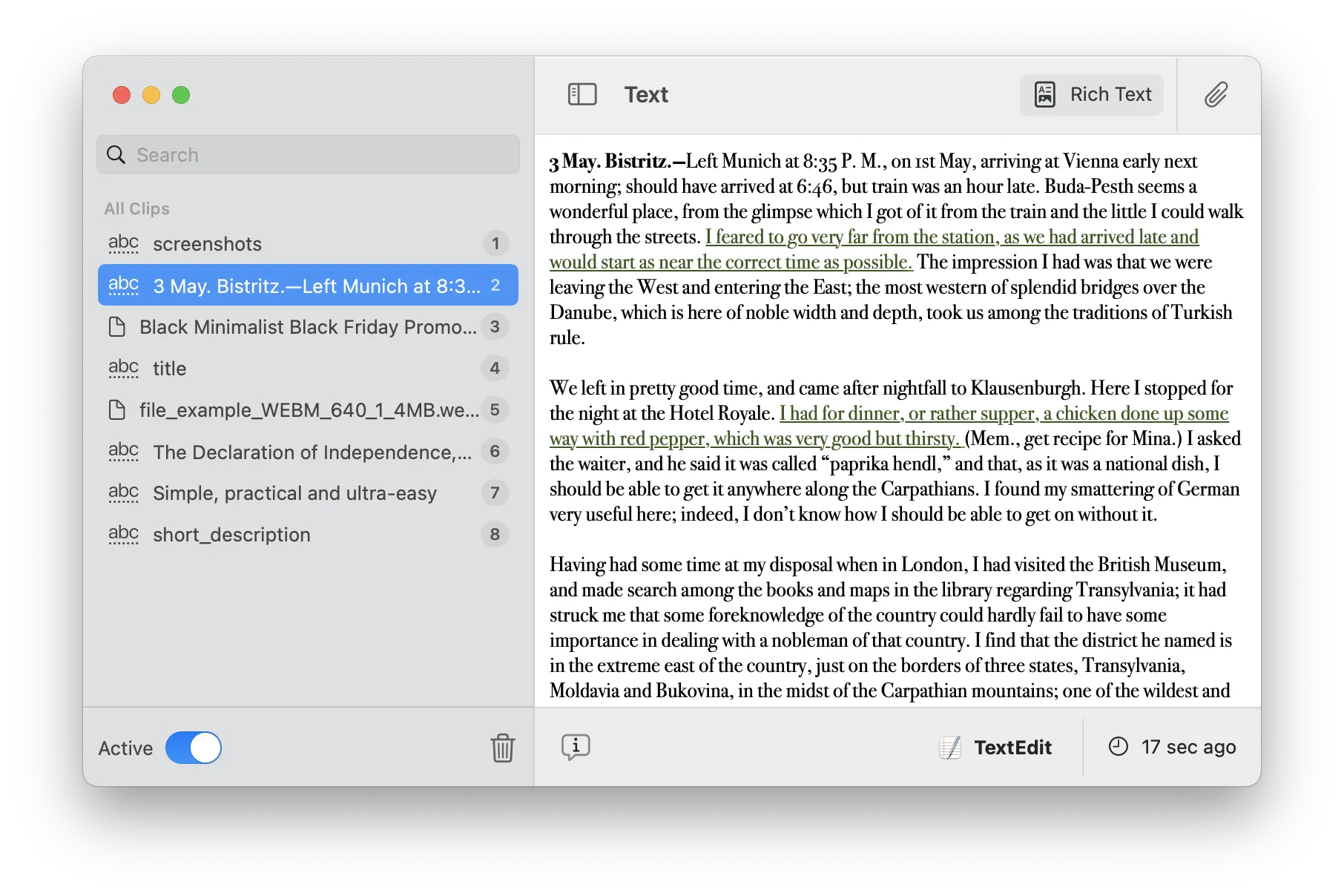
All you have to do is start up the application and let it running in the background, tracking and safeguarding your clipboard history
Lots of options
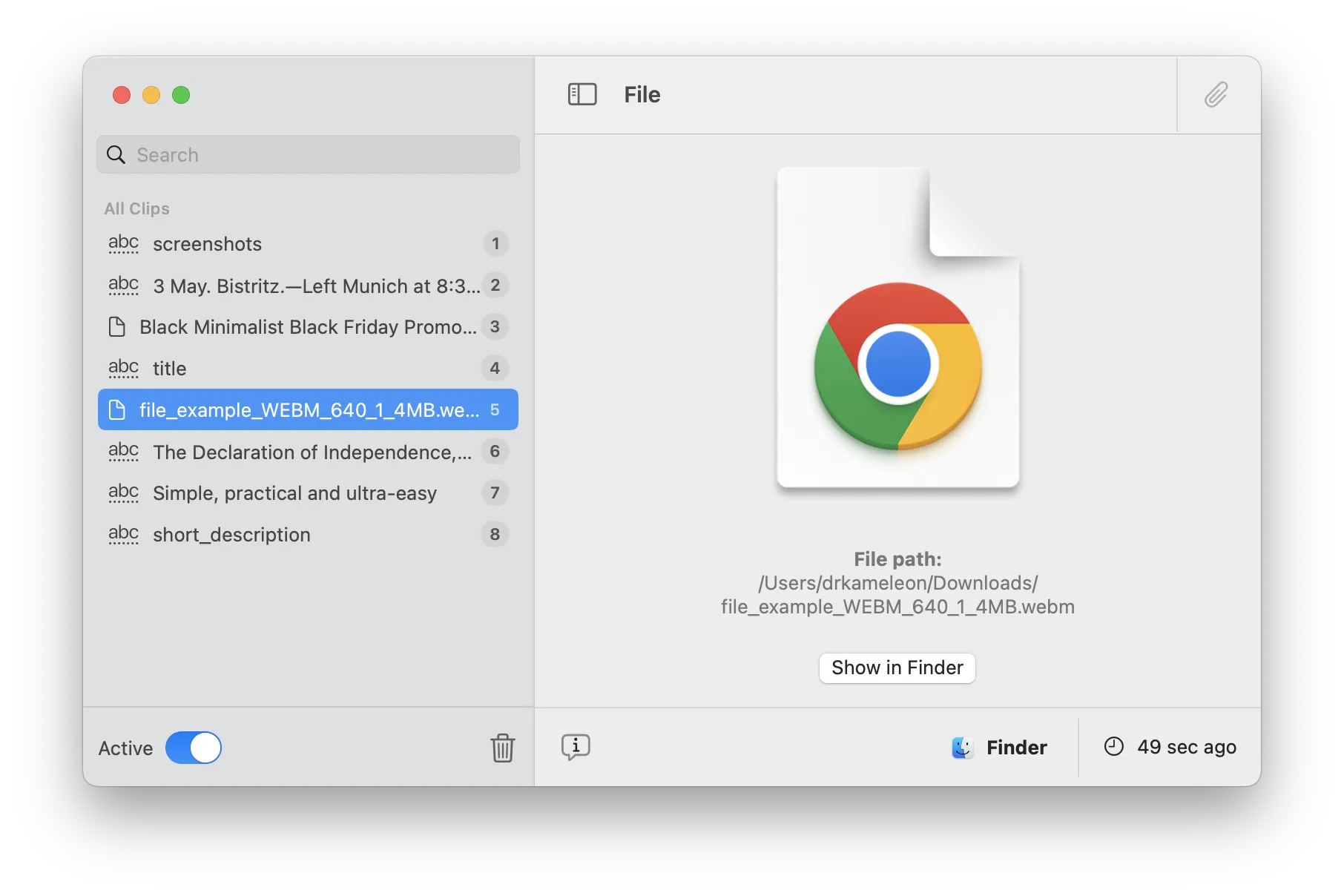
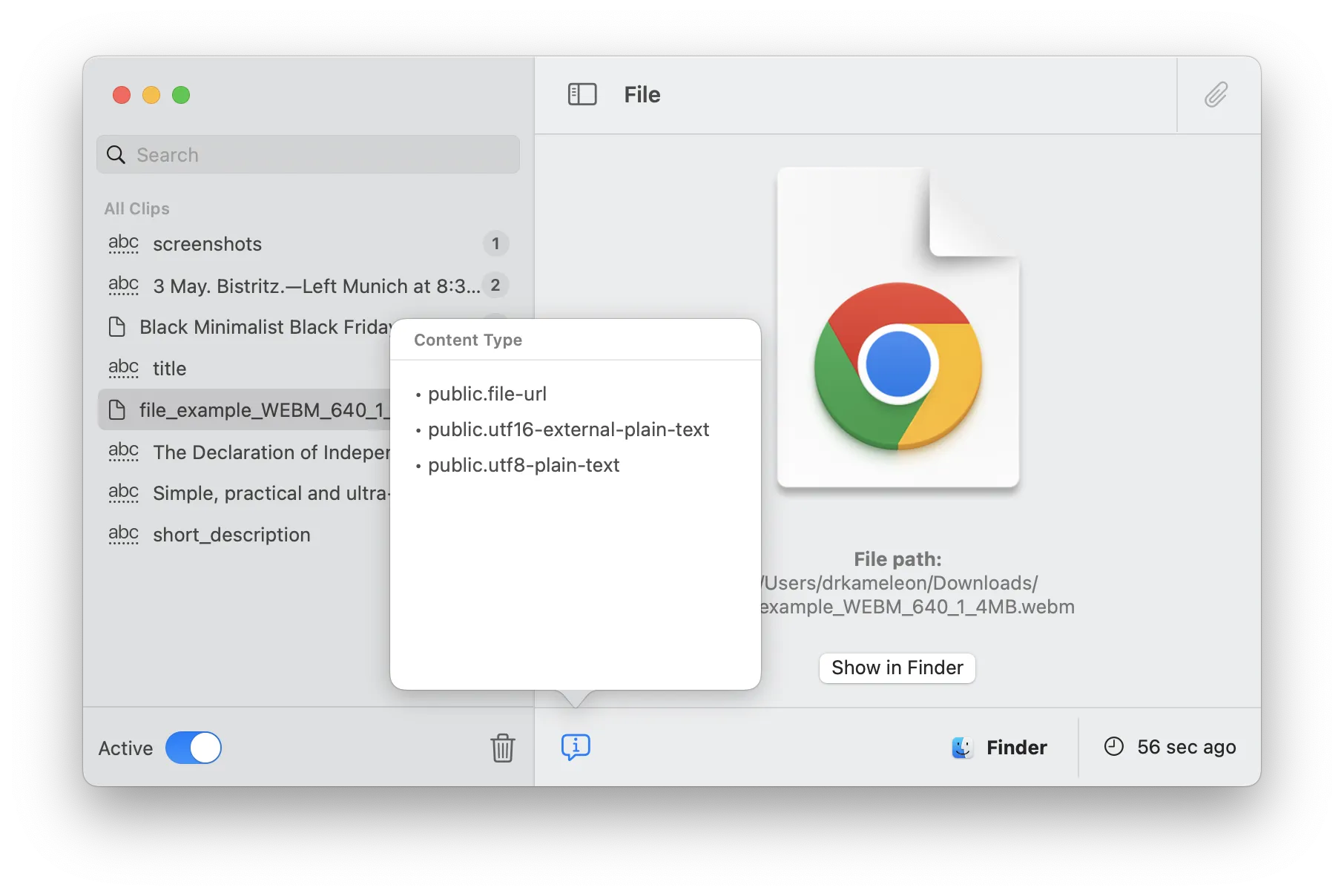
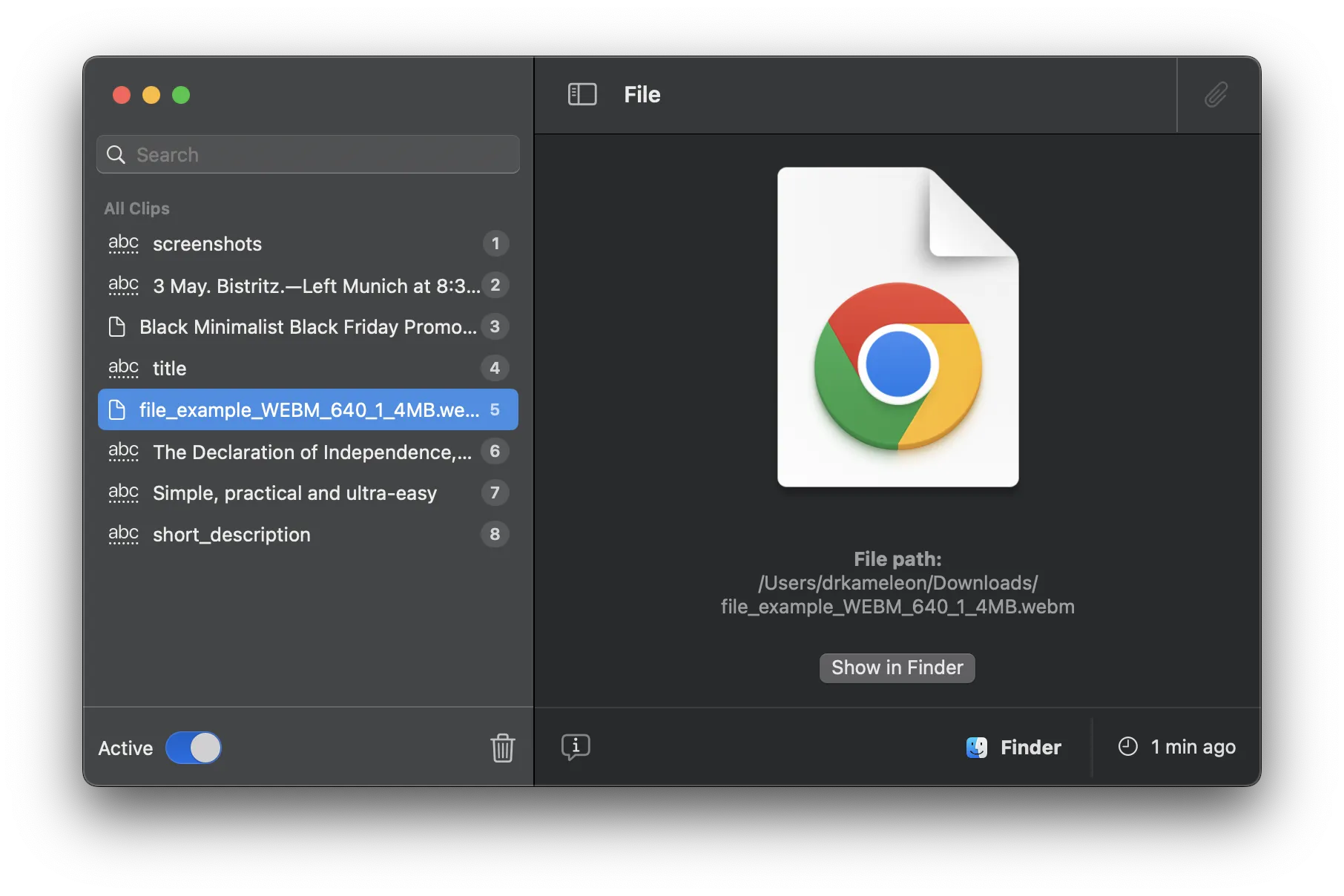
Whether you're copying text, or rich formatted text, or even files, no need to worry: AllClips supports it and even more
Restore anytime
Do you want to restore a given clipboard item? Easy peasy! All you have to do is put it back - with AllClips!
App screenshots
In 3 simple steps
Start the app
Yes, you heard it right: all you need to get started is to open the app; and the rest will be taken care of!
Watch your clipboard
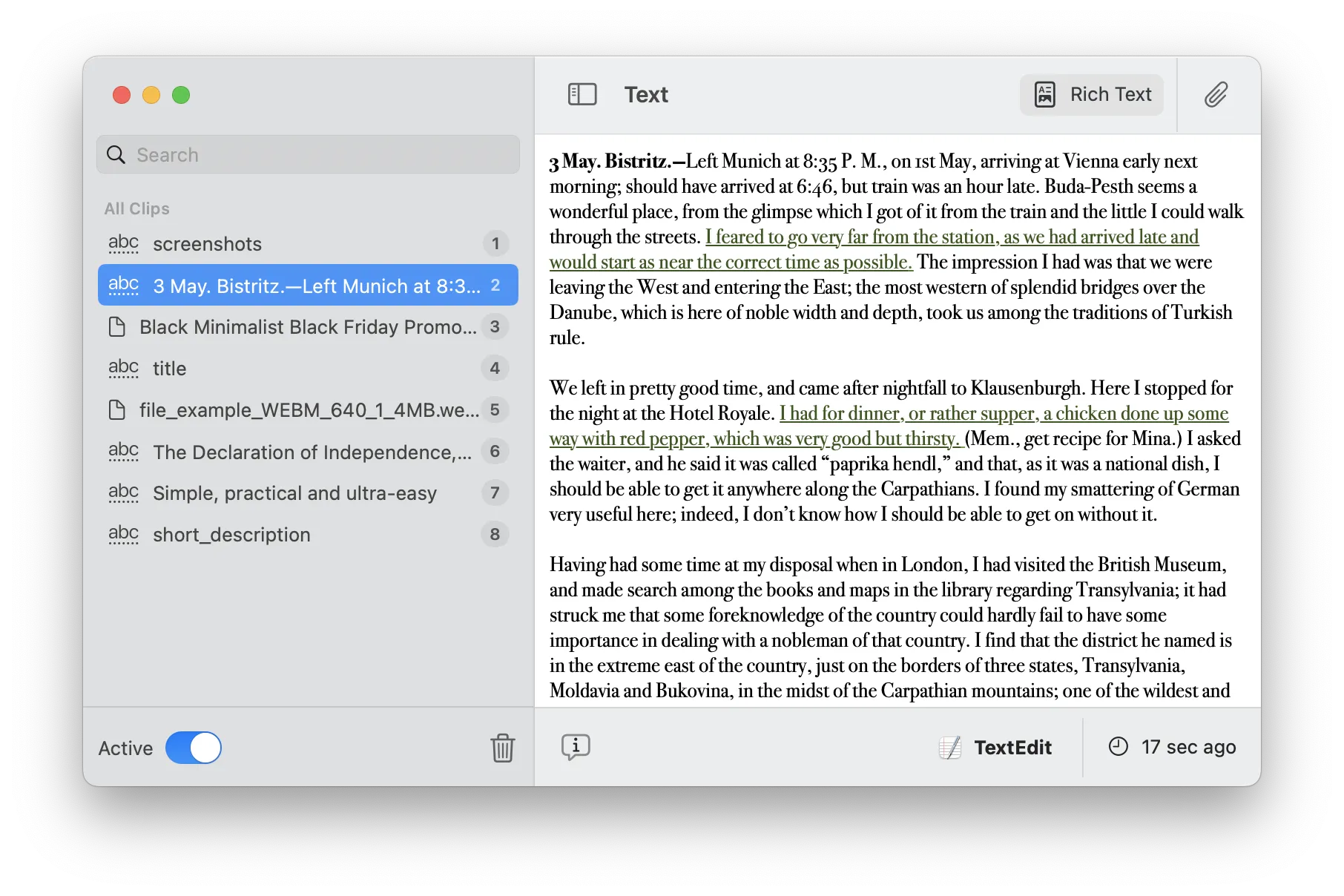
While the app is running, you may want to revisit your clipboard history and spot that one thing you had copied some time ago, but can't possibly remember what it was exactly.
Restore clipboard
What would a clipboard history manager be if it wouldn't allow you to restore items, exactly as they were. How? Just click on the little clip at the top-right part of the window and... that's it!
Works on macOS 13.0+.
Compatible with M1/M2/M3/M4 and the latest macOS Tahoe.
Free updates up to the next major version.
Learn more →