Lightning-fast & accurate
code counter for Mac
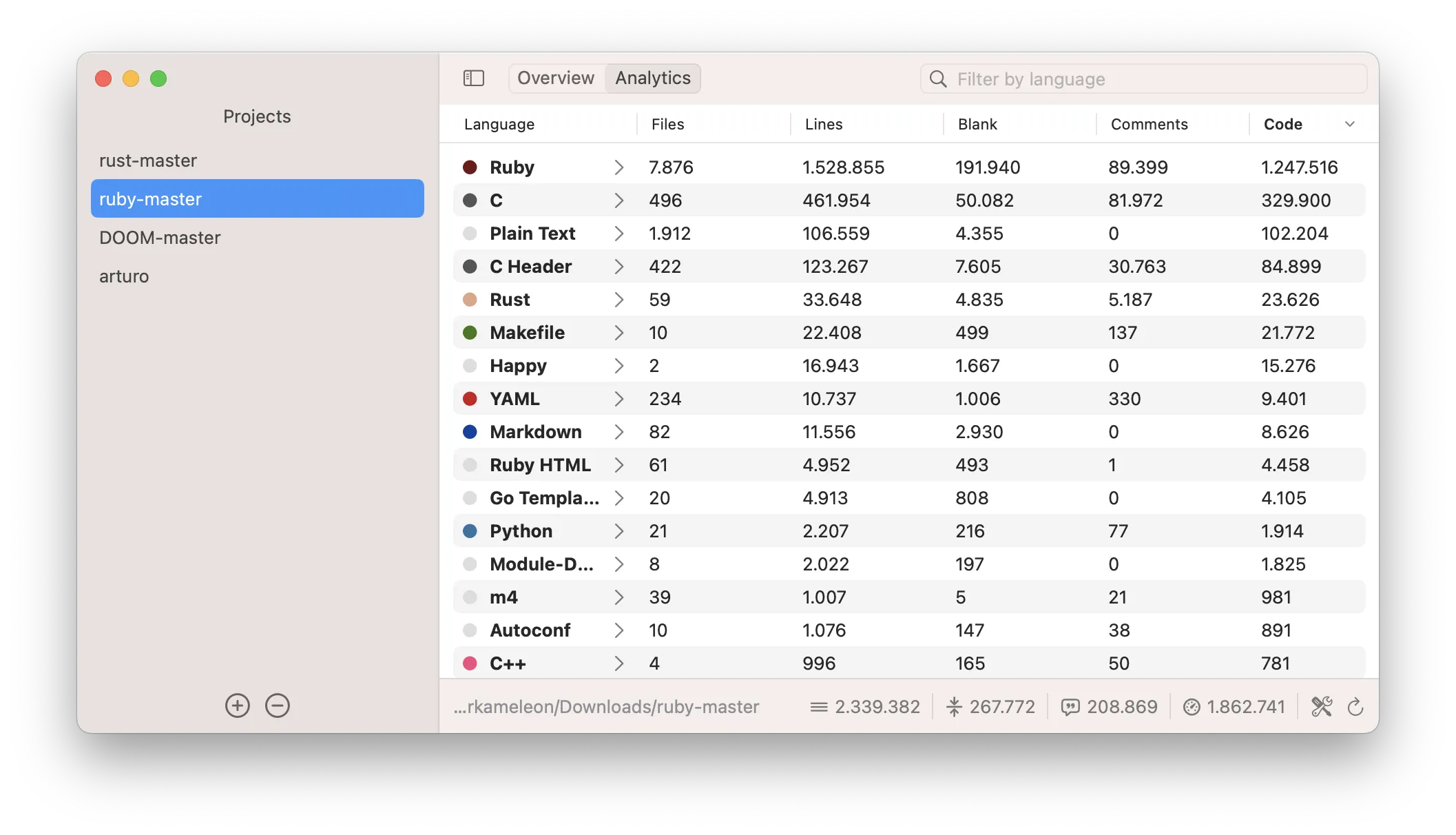
The only app you'll ever need
to monitor your code projects - efficiently
What you'll love
Easy-to-use
Just open CodeCounter and drag'and'drop one or more of your code projects. And don't worry; you can always add more later on and monitor them all at the same time!
Customizable
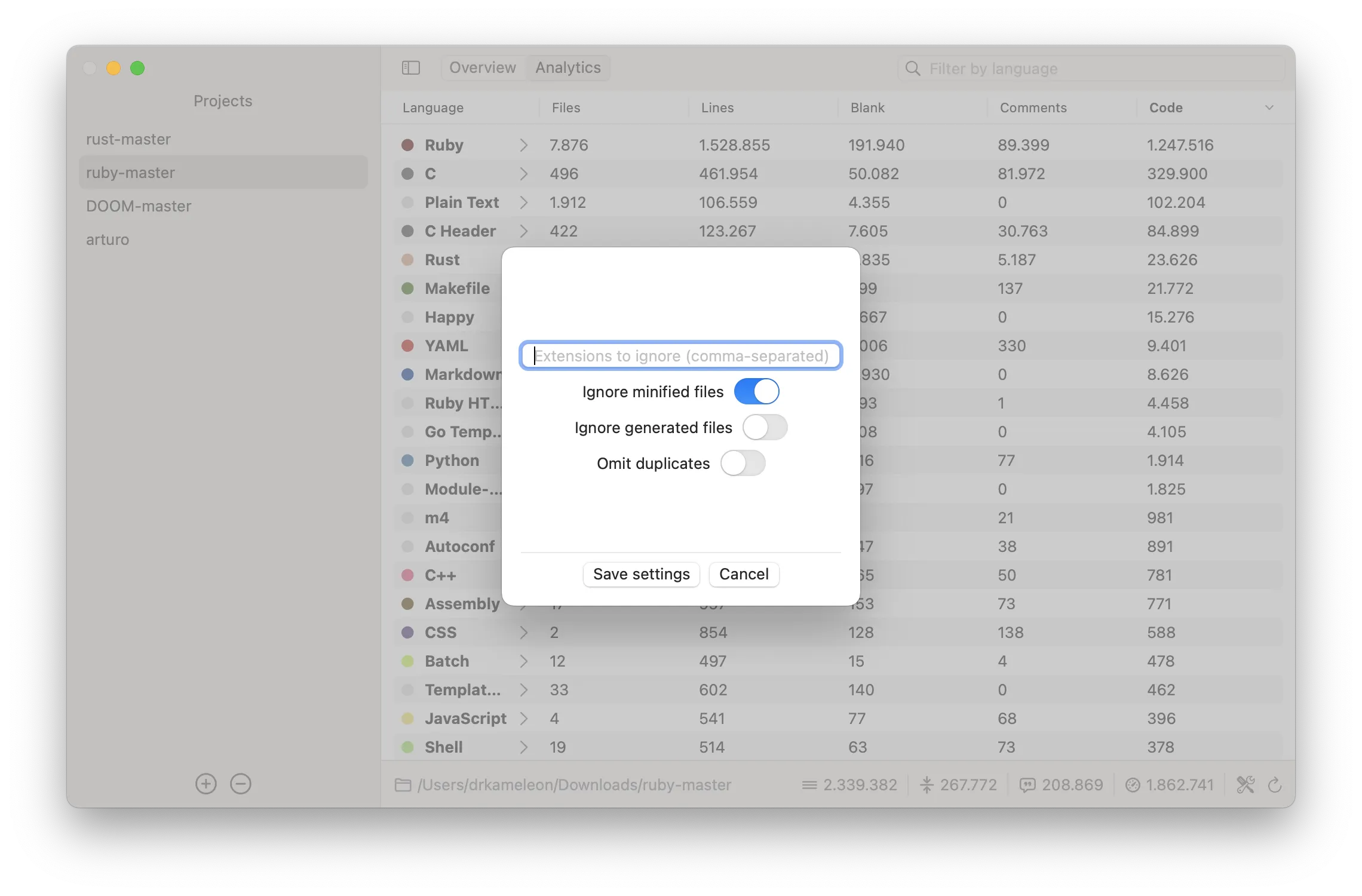
With different settings to play with, you can rest assure that the results are as accurate as possible. Exclude specific file extensions, generated or minified files? Absolutely!
Versatile
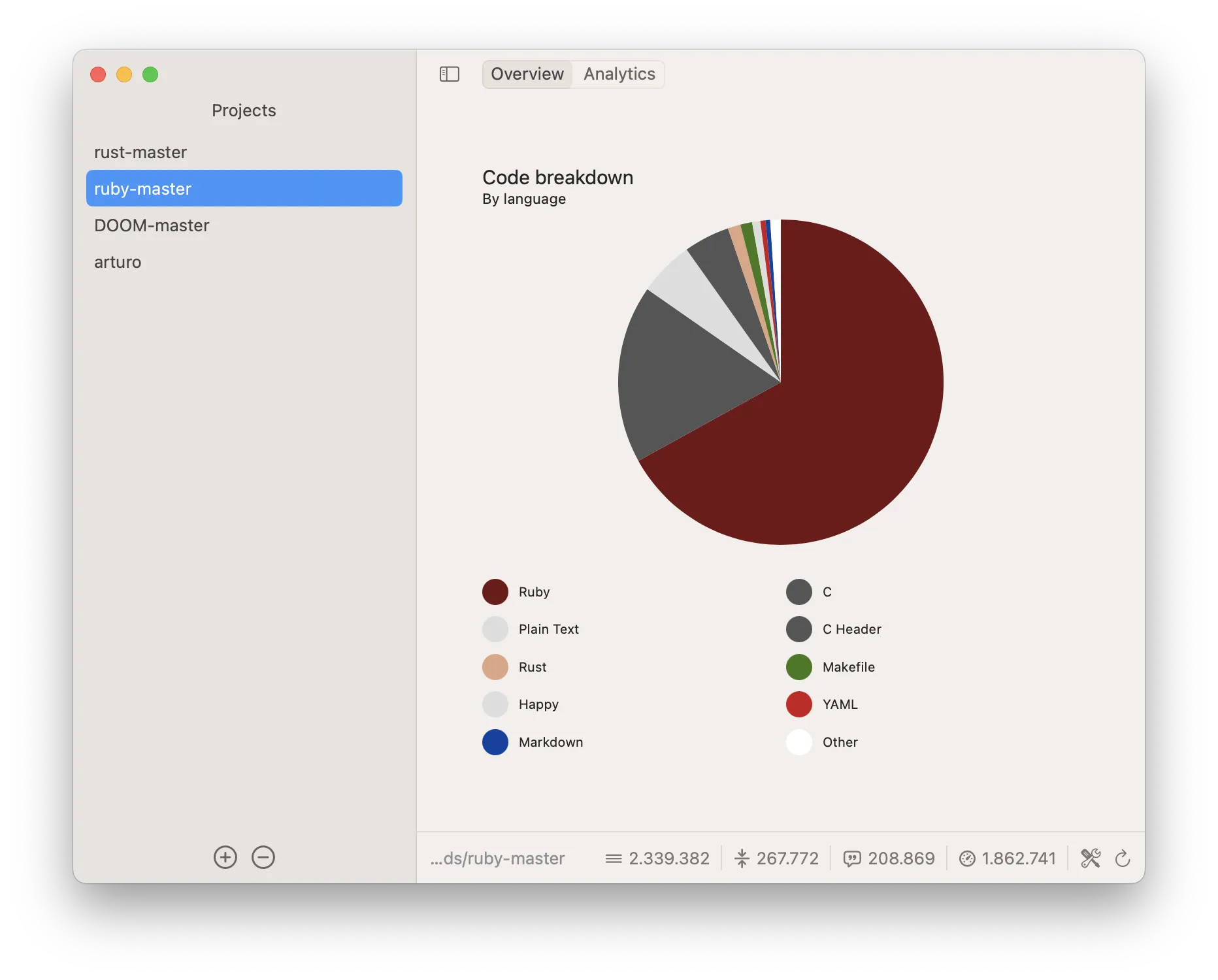
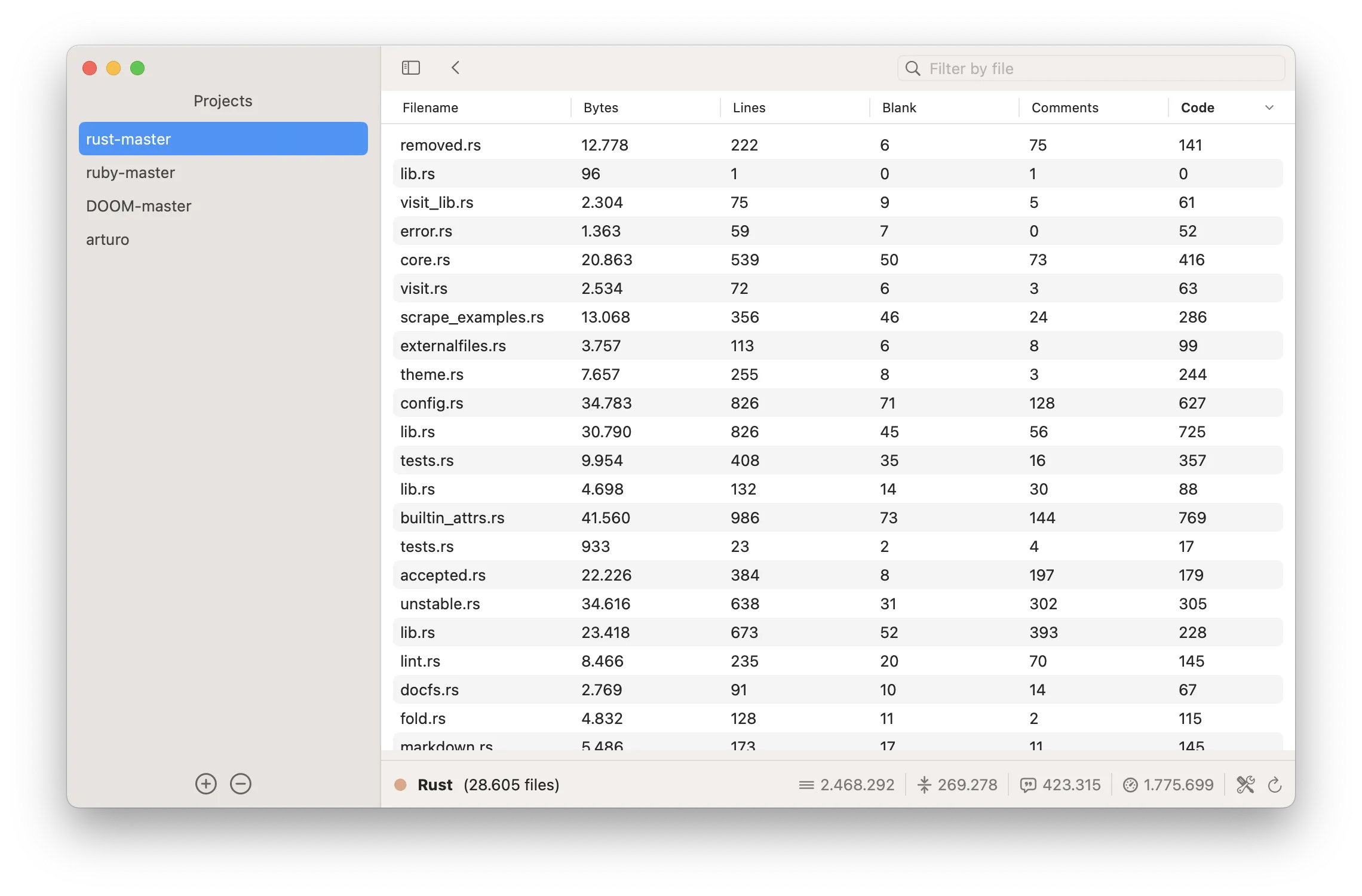
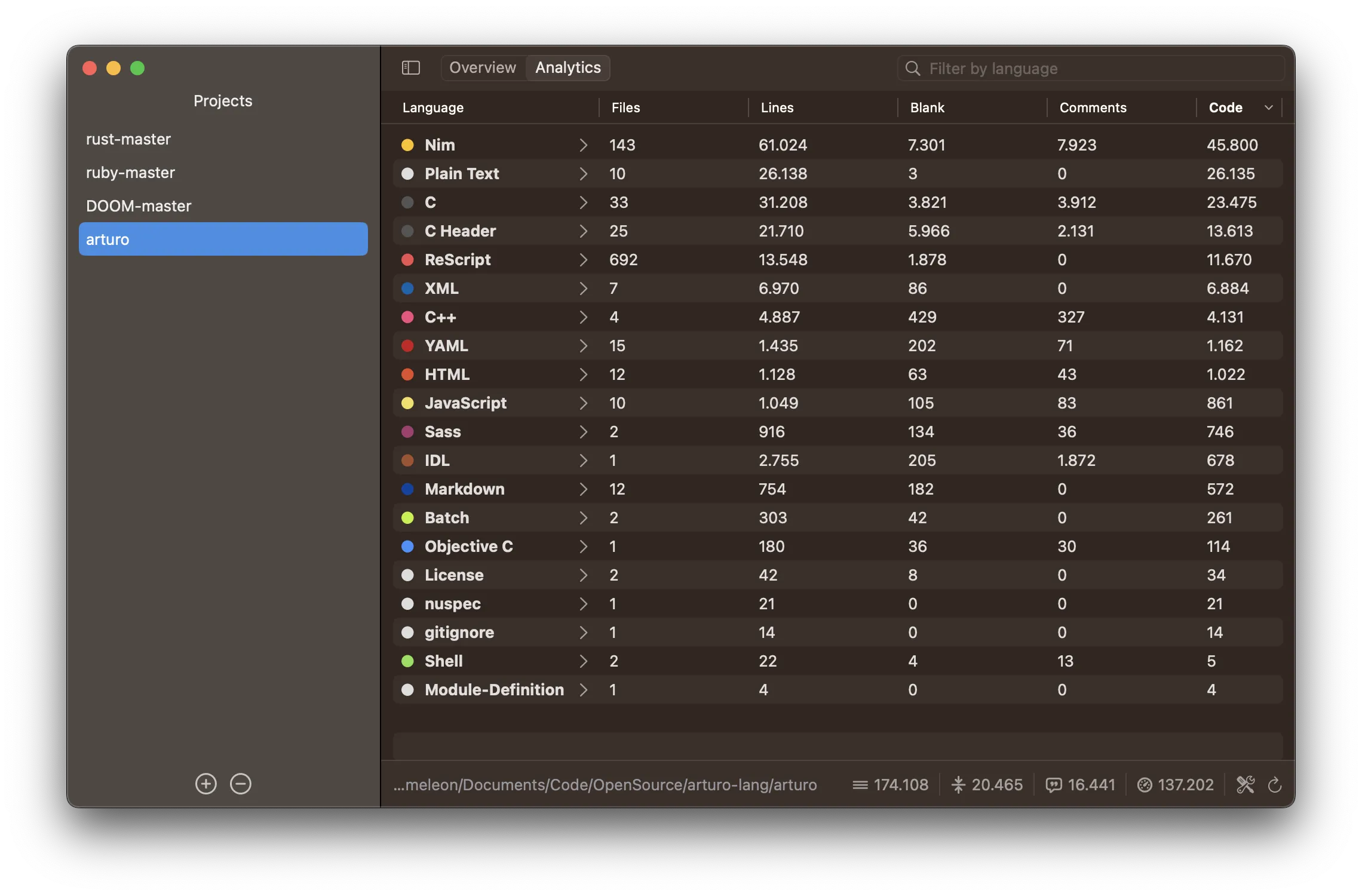
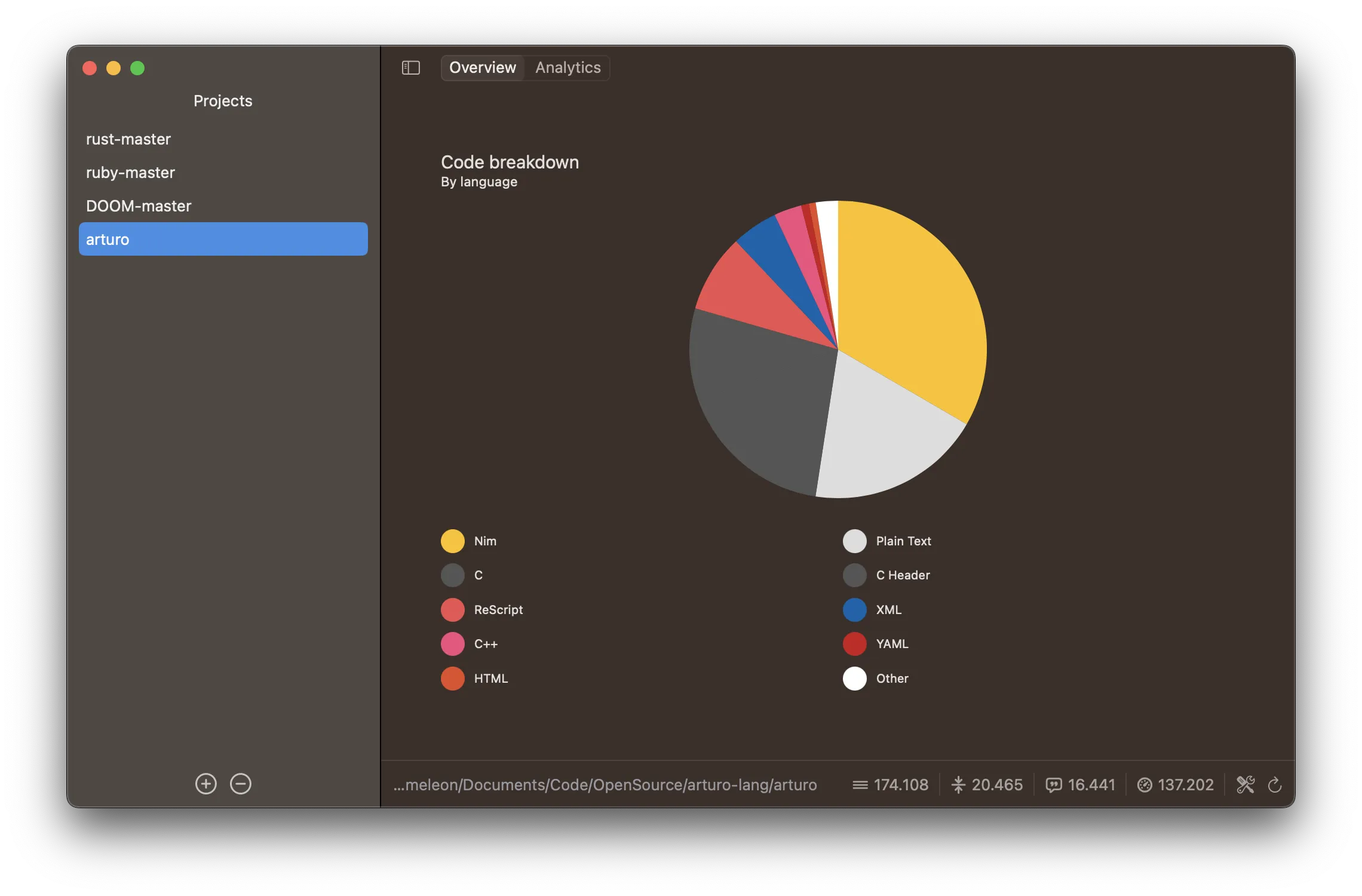
You may see all lines of code either by language - code lines, blank lines, comments, etc - or by file. Do you want all that in nice-looking chart too? Done.
App screenshots
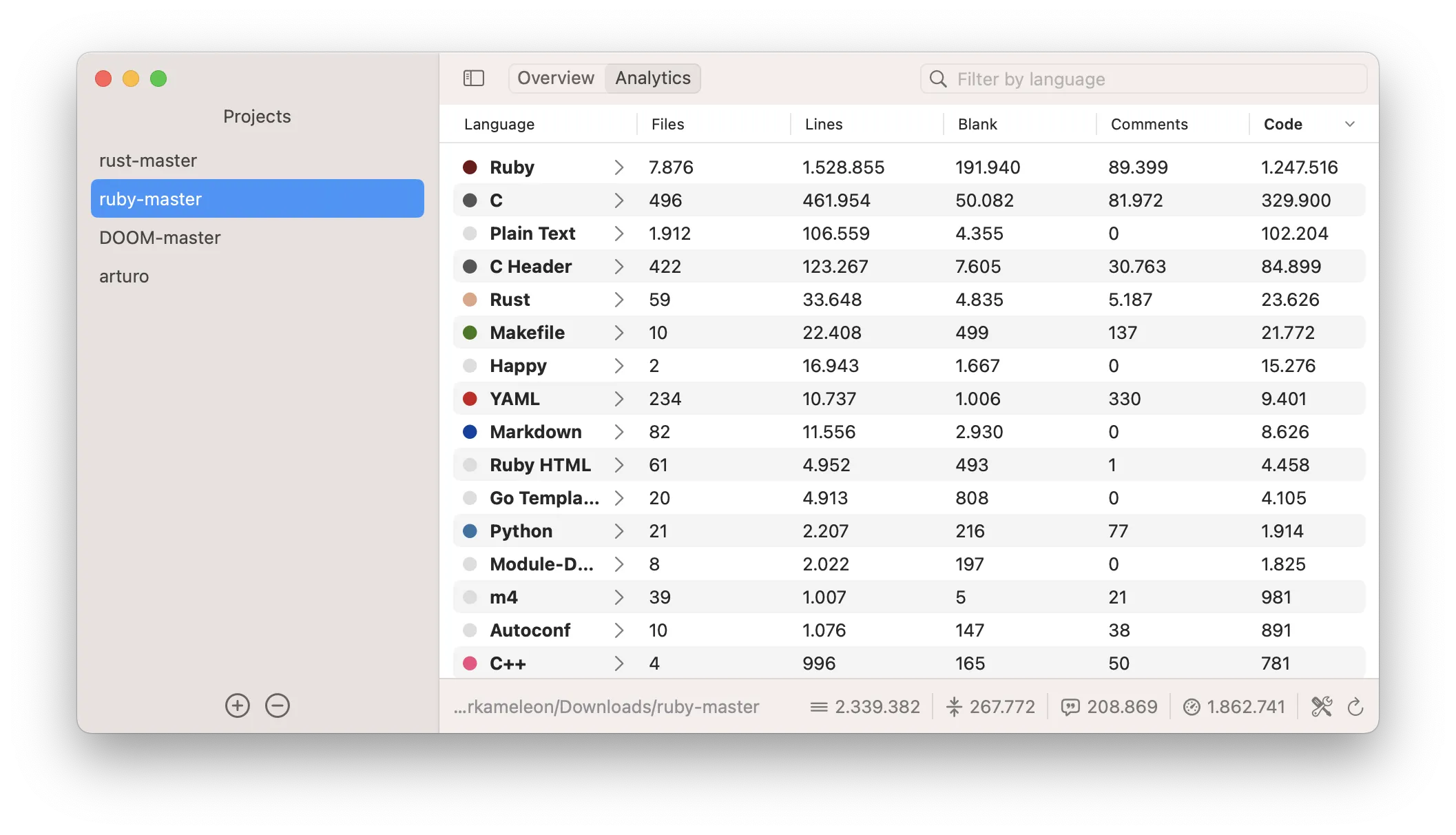
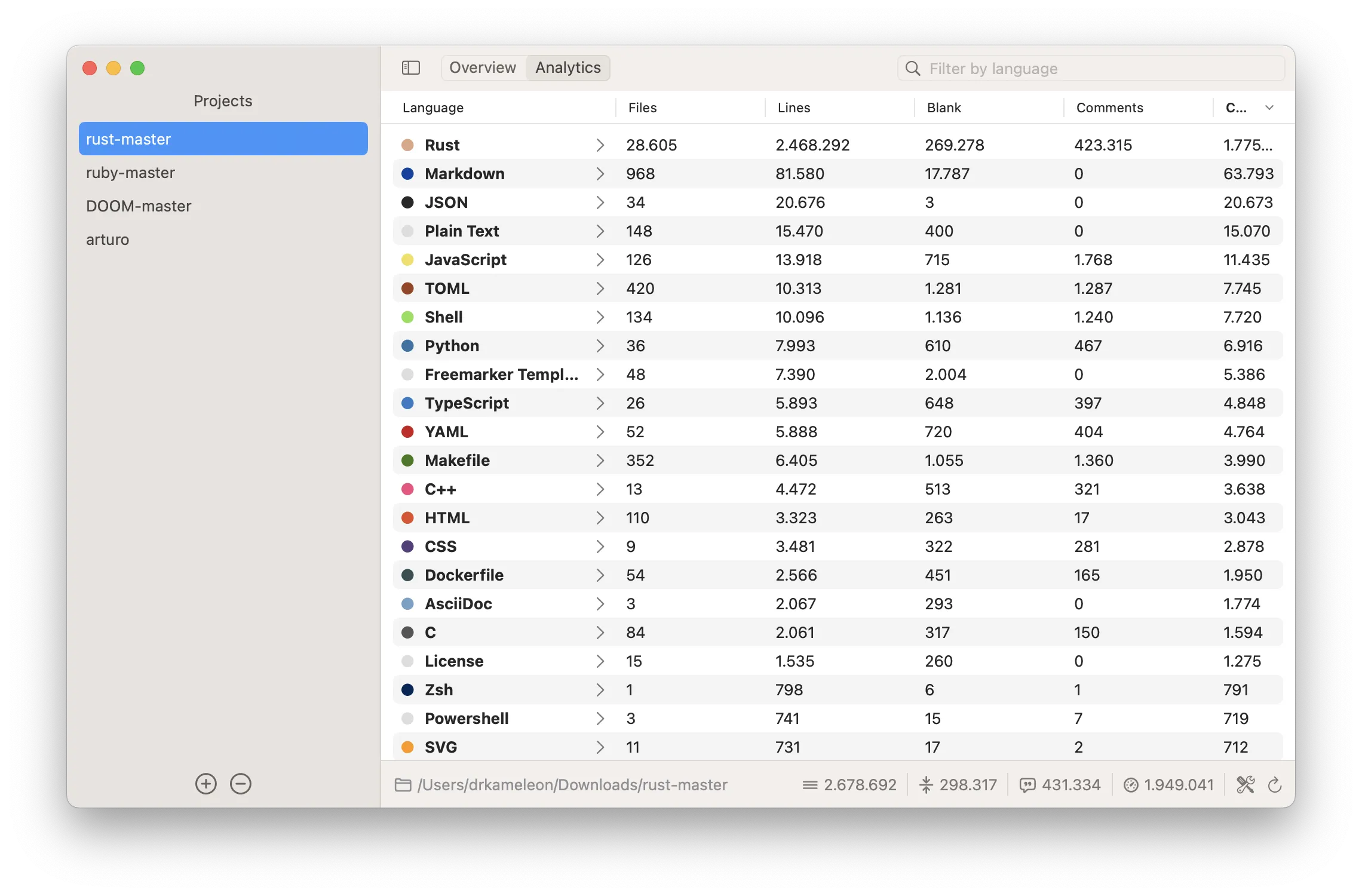
In 3 simple steps
Drag your project
Just drag'n'drop any project onto the app; yes, that's all it takes to get started!
Fine-tune
Do you want to exclude some file extensions? Do you want the app to automatically recognize and omit e.g. generated or minified files? We've got you covered!
See the metrics
Charts, tables, everything is there for you to be able to evaluate your project's progress and code distribution at a glance!
Works on macOS 12.0+.
Compatible with M1/M2/M3/M4 and the latest macOS Tahoe.
Free updates up to the next major version.
Learn more →