Your application disk images,
the easy way
The no-hassle, no-frills way
to beautiful & functional app packages
What you'll love
Easy to use
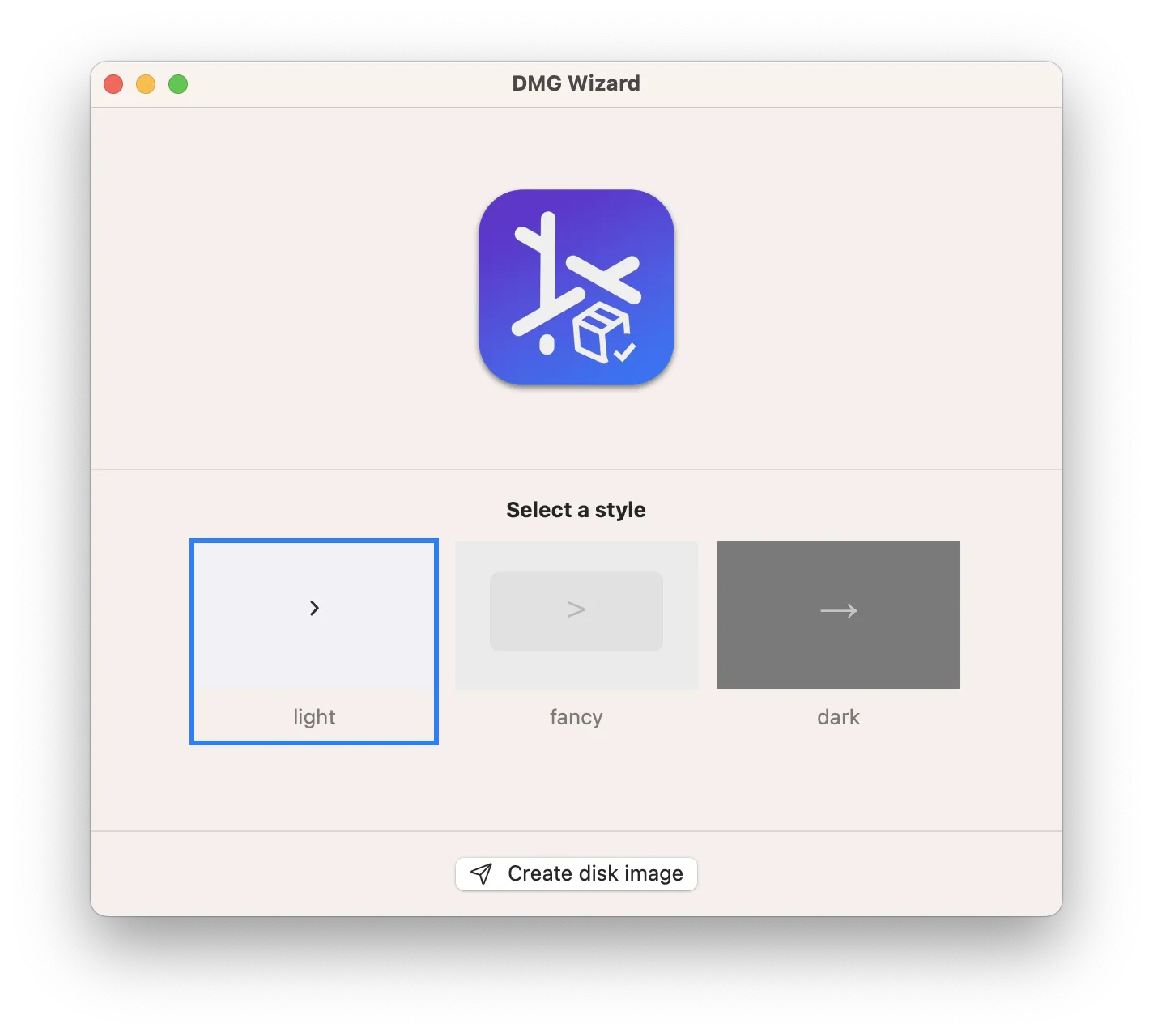
Simple, practical and ultra-easy to use: Just drag'n'drop your app bundle! Yep. (Why would you need to do more than that?)
No fuss, no frills
If you want 1 zillion options to fine-tune your DMG images, DMG Wizard is not the tool for you: DMG Wizard is about pure simplicity! ;-)
Fast & Functional
Just choose a destination folder and wait for a couple of seconds. Your application disk image will be ready before you even notice!
App screenshots
In 3 simple steps
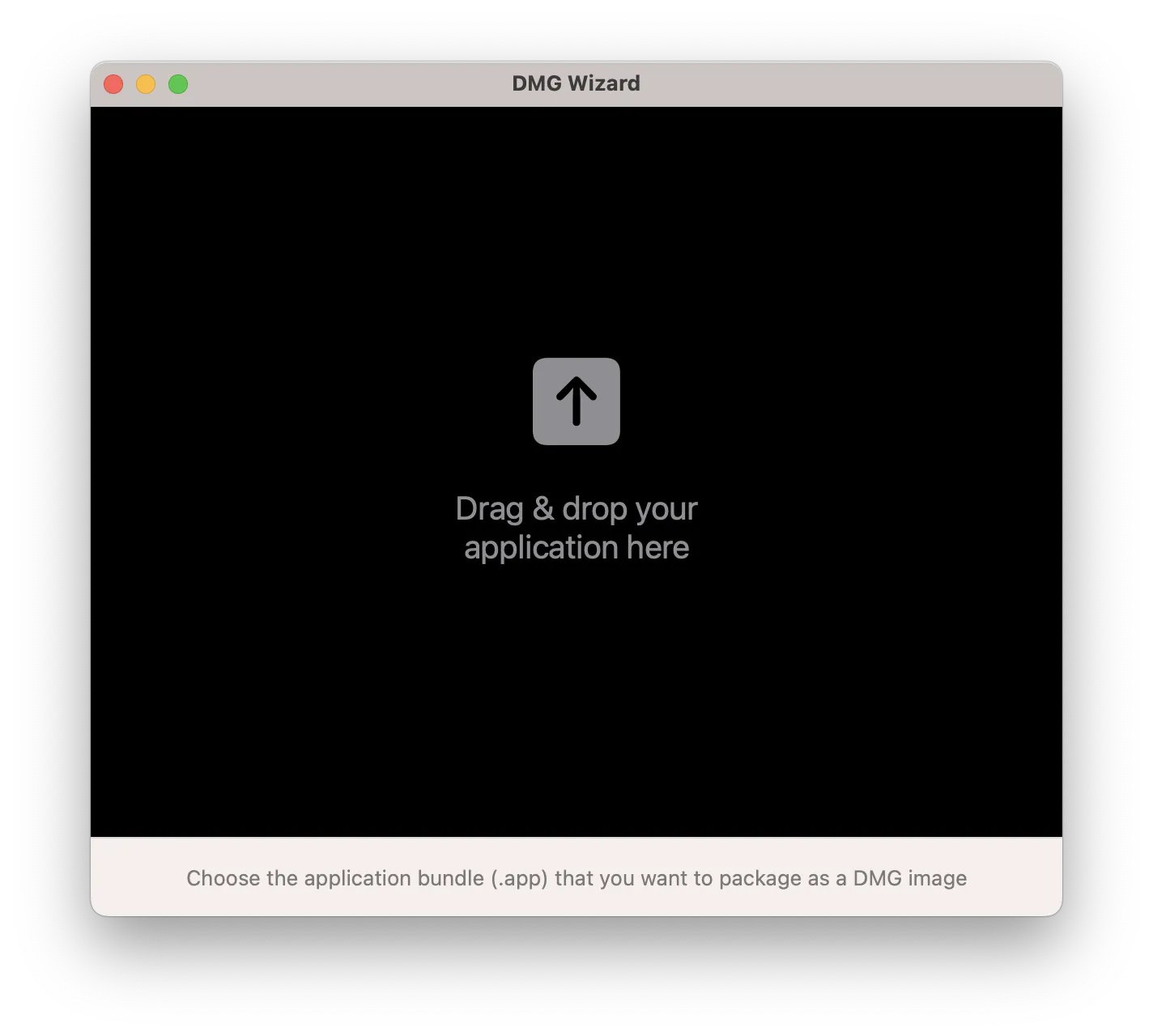
Start with your application
All you need to get started the .app bundle
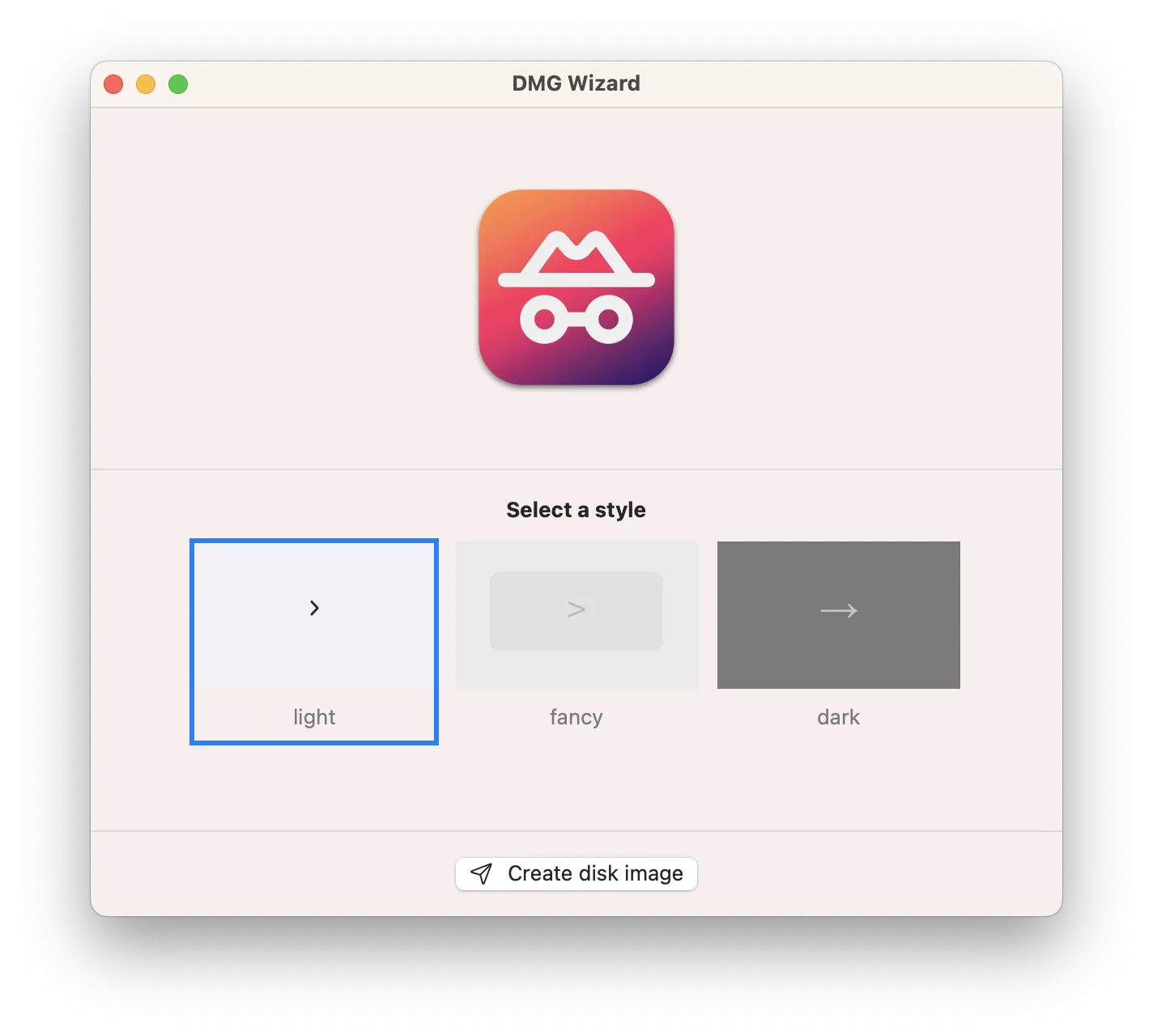
Fine-tune it
No worries! We don't ask you too much (we hate that too) - just pick a style and you're ready to go! ;-)
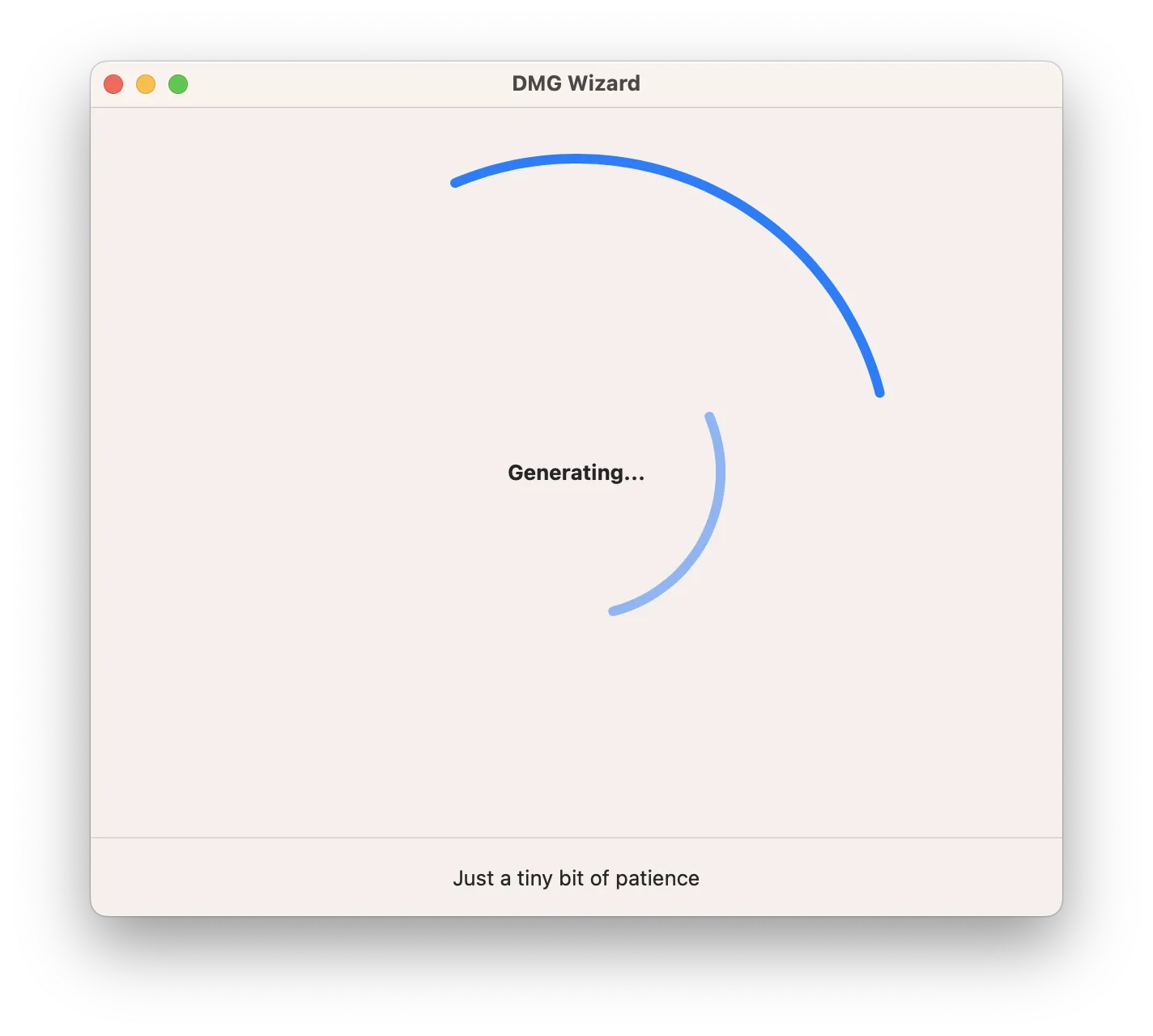
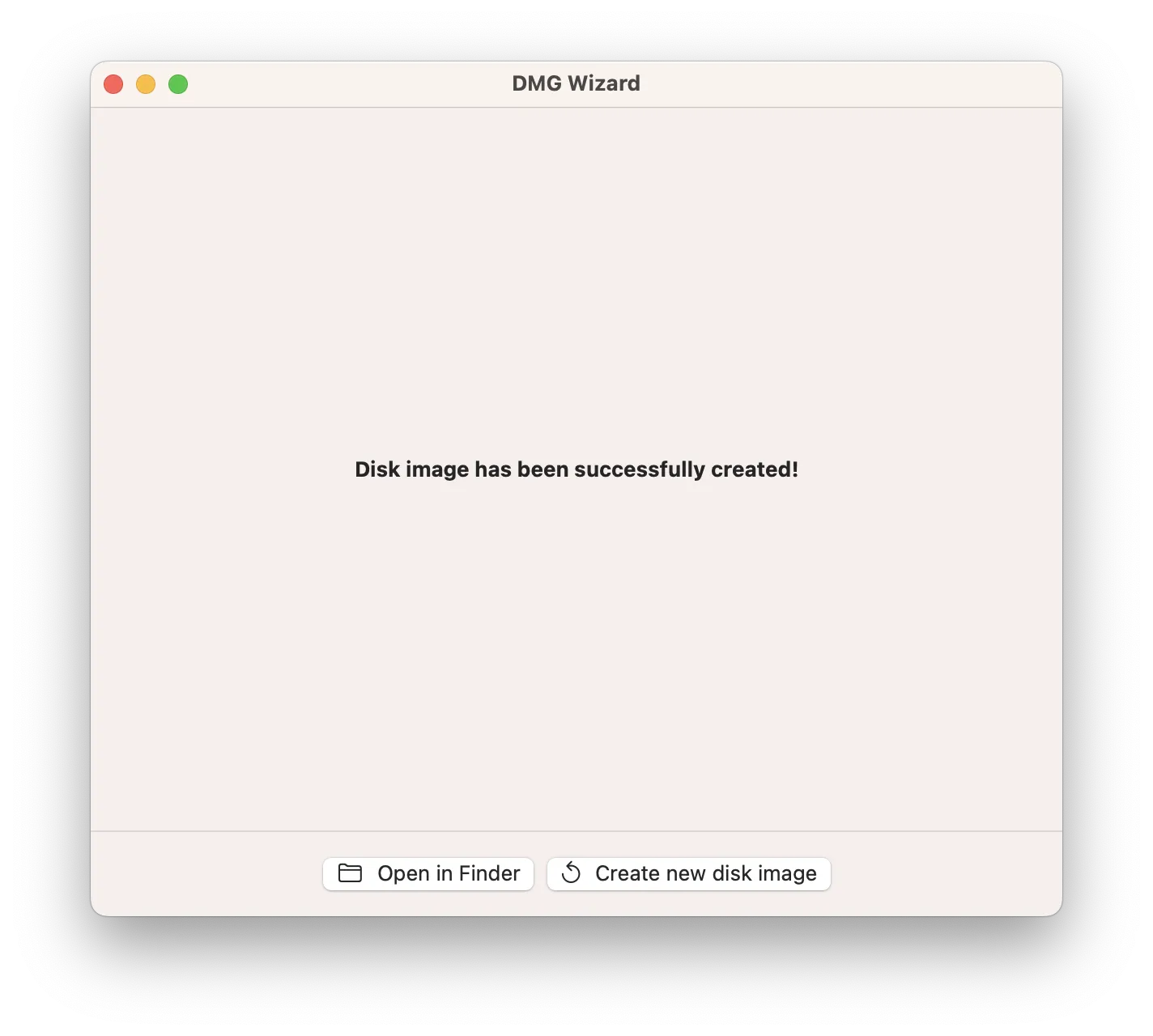
Export
Yep, that's it. Choose where you want your DMG image to be created and it will be there in the blink of an eye!
Works on macOS 12.0+.
Compatible with M1/M2/M3/M4 and the latest macOS Tahoe.
Free updates up to the next major version.
Learn more →