Turn any website
into a beautiful Mac app.
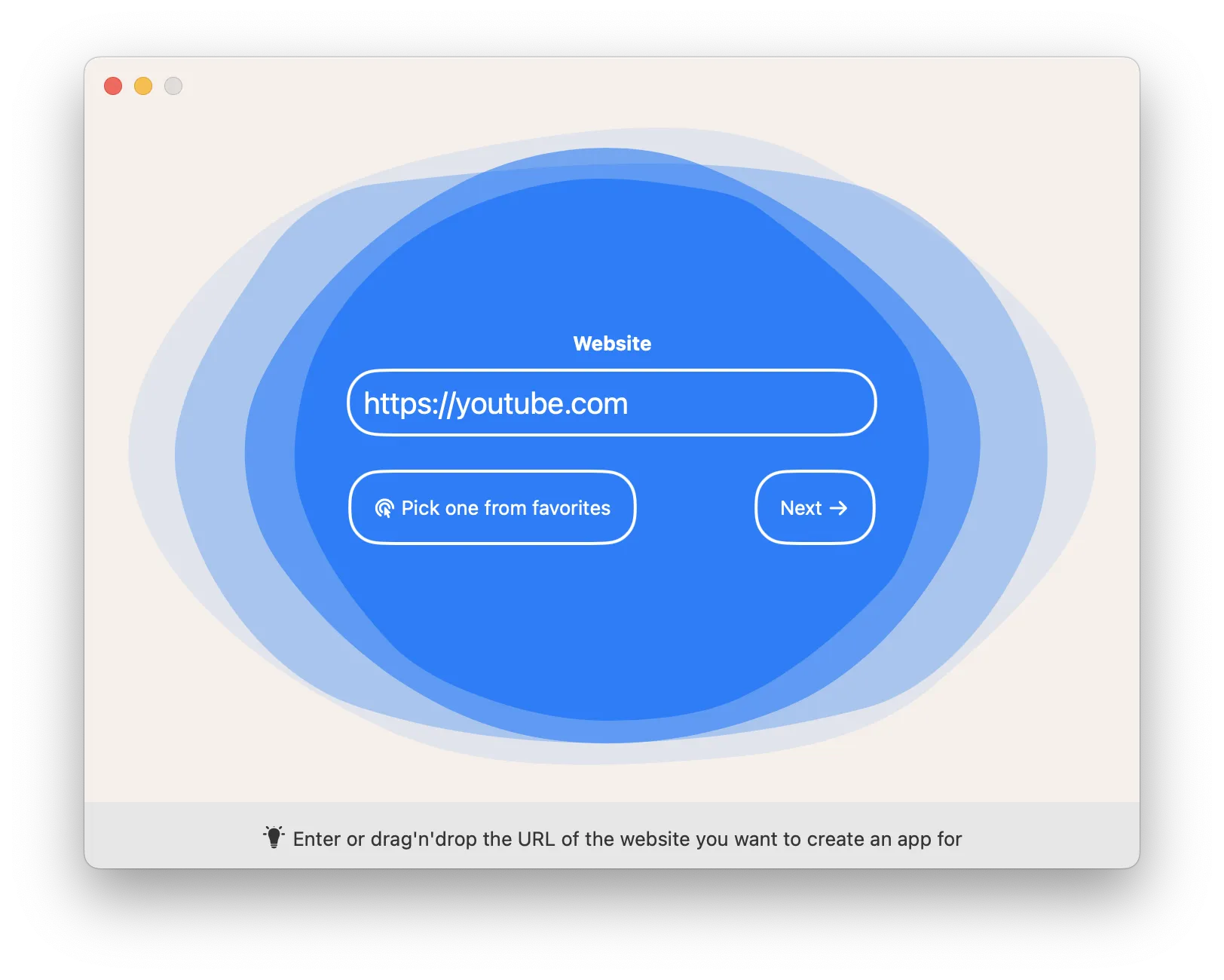
Pick a website or a local folder, set your options,
...and you're ready to go!
What you'll love
Any website
Paste a URL and turn any site into a real Mac app, right in your Dock
Bring your own
Bundle your own folder of HTML files into a standalone, offline app
Automatic icons
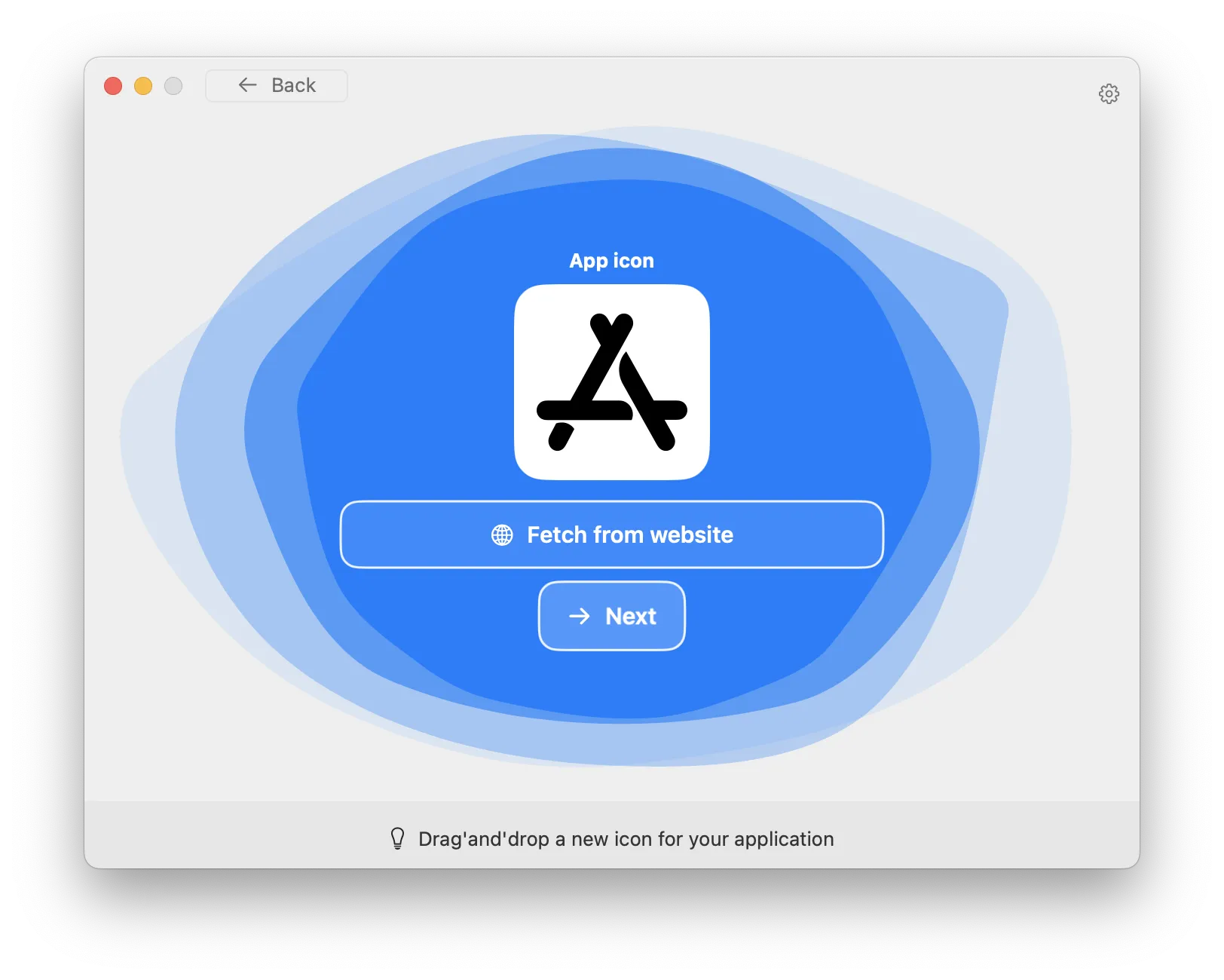
Drop in your own icon, or let Web2Mac grab the website's favicon for you
Stays logged in
Your sessions and cookies persist, so you stay signed in between launches, every single time
Feels native
Remembers its window, reload and navigation shortcuts, downloads, plus camera and mic for video calls
Ready to share
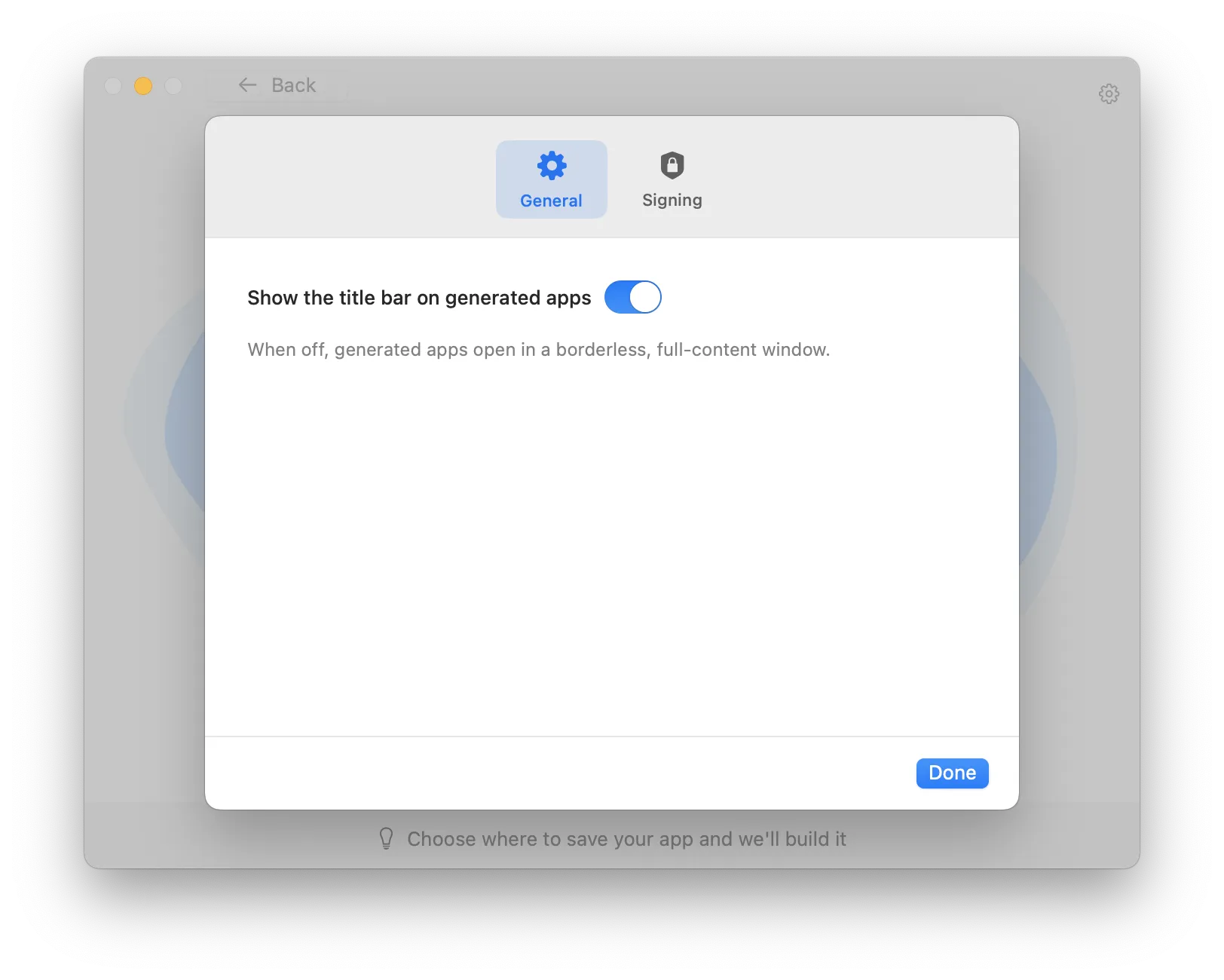
Sign and notarize with your Apple Developer ID to distribute apps to other Macs
App screenshots
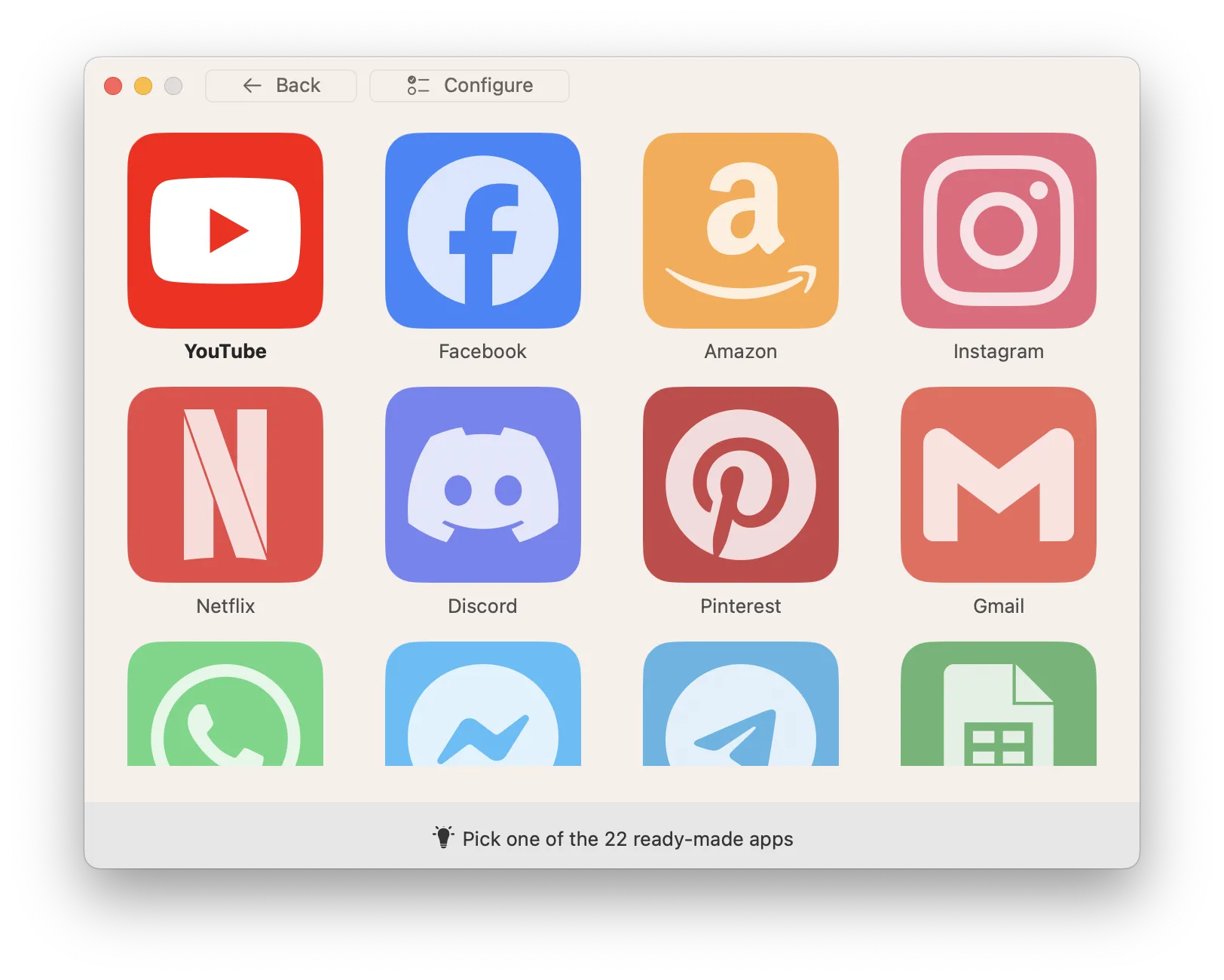
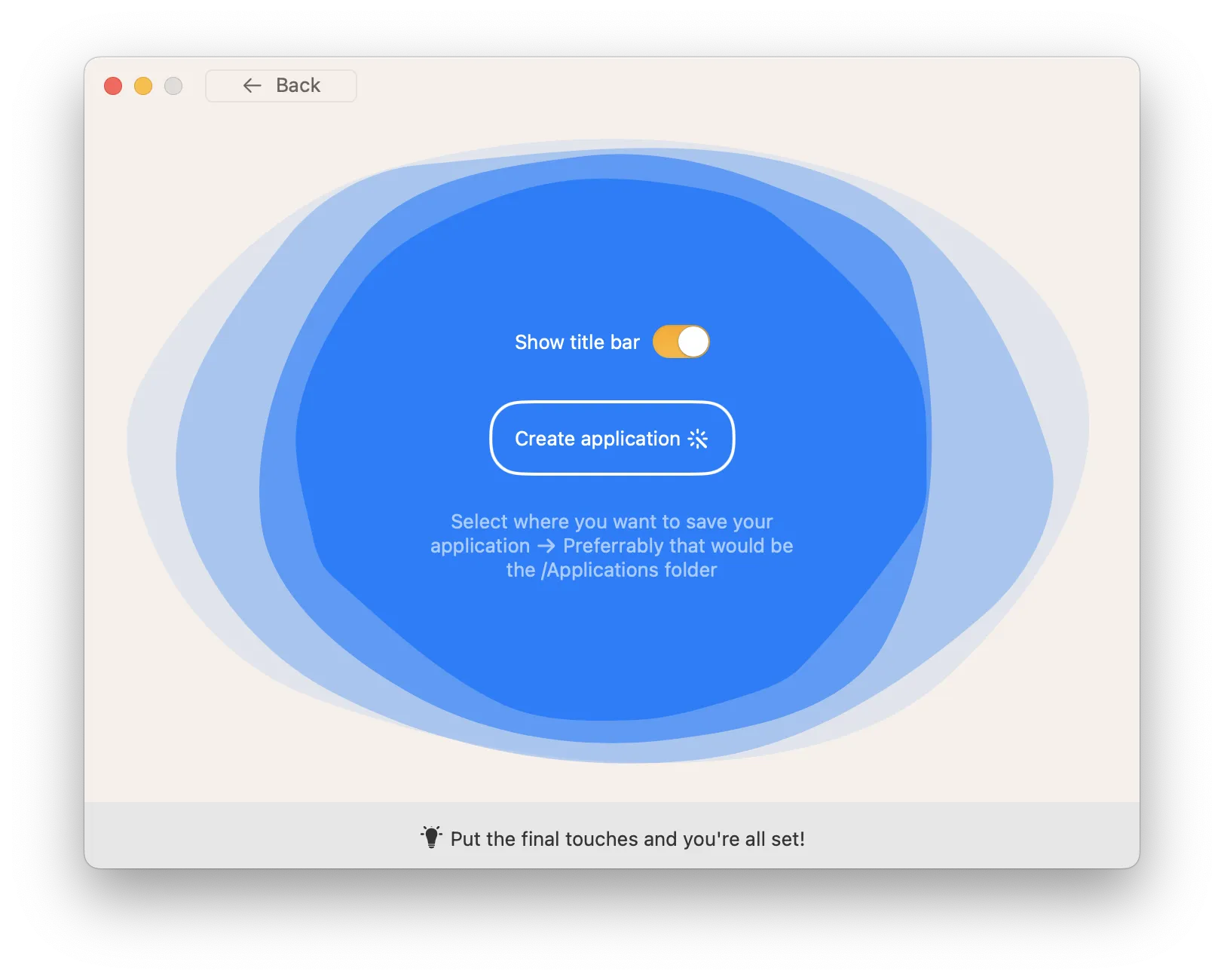
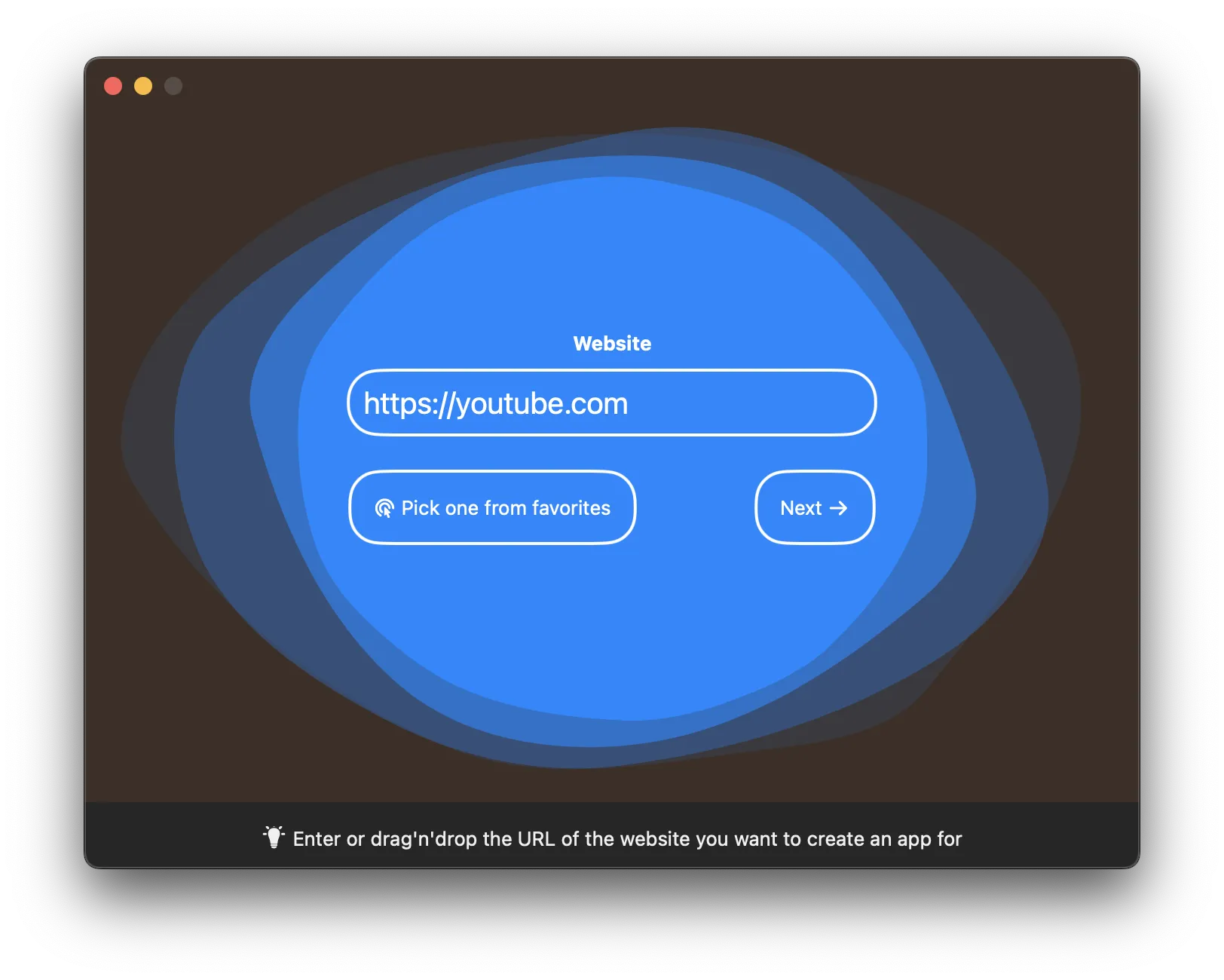
In 3 simple steps
Pick a source
Add any website, drop in a folder of HTML files, or pick one of the ready-to-install apps that come included
Set up
Name it, choose an icon or auto-fetch the website's favicon, and adjust the app to your liking
Create the app
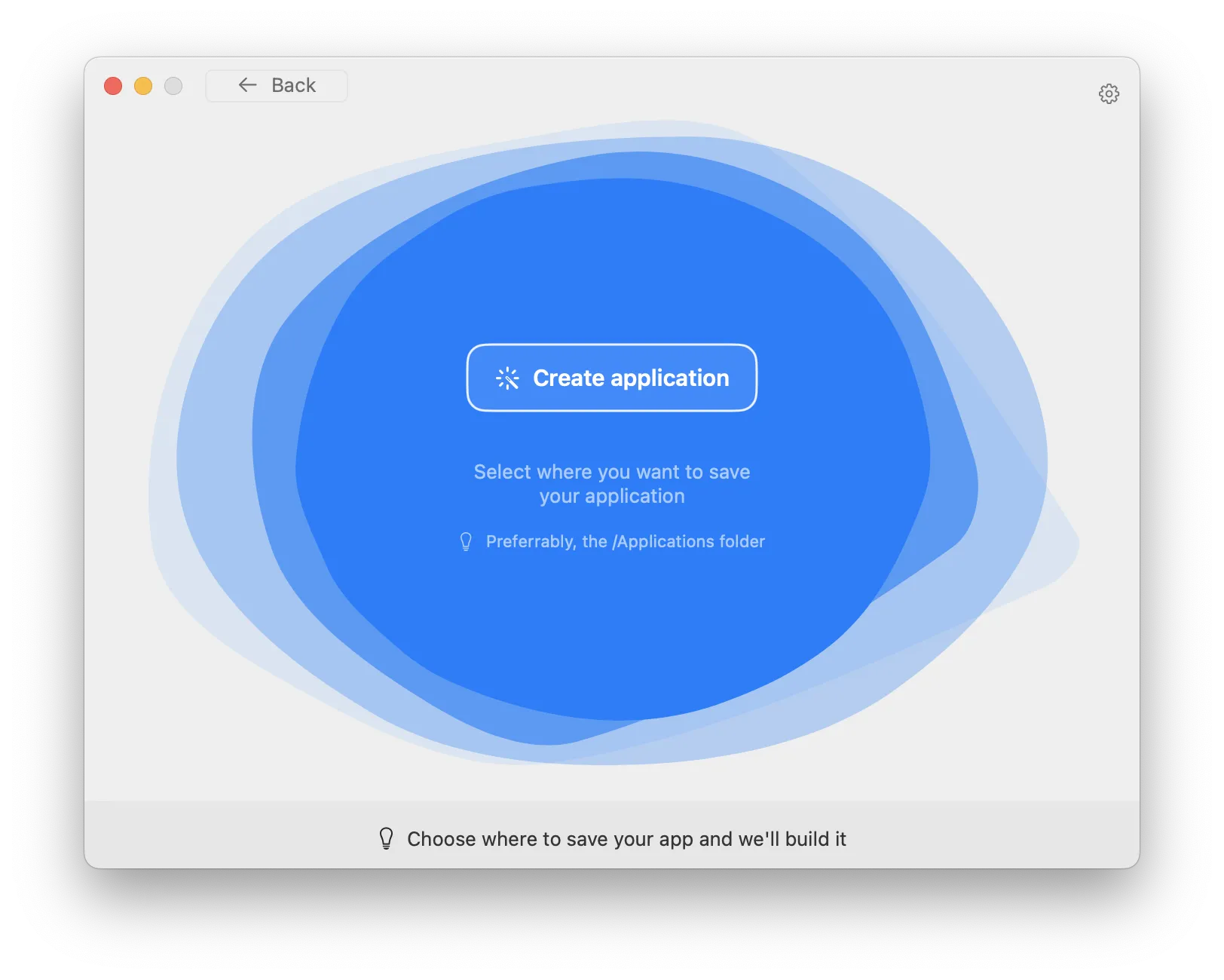
One click and the app is there for you to run, just like a regular Mac app
Works on macOS 13.6+.
Compatible with M1/M2/M3/M4 and the latest macOS Tahoe.
Free updates up to the next major version.
Learn more →