Erase. Securely.
For Good.
Permanently delete files and folders
with multi-pass overwriting.
Harder to recover. Easier to trust.
What you'll love
Multi-Pass Overwriting
Erazor overwrites your files with random data — once, 7×, or 35× — before deleting them, so standard recovery tools can't get them back. Pick the mode that fits.
Simple & Intuitive
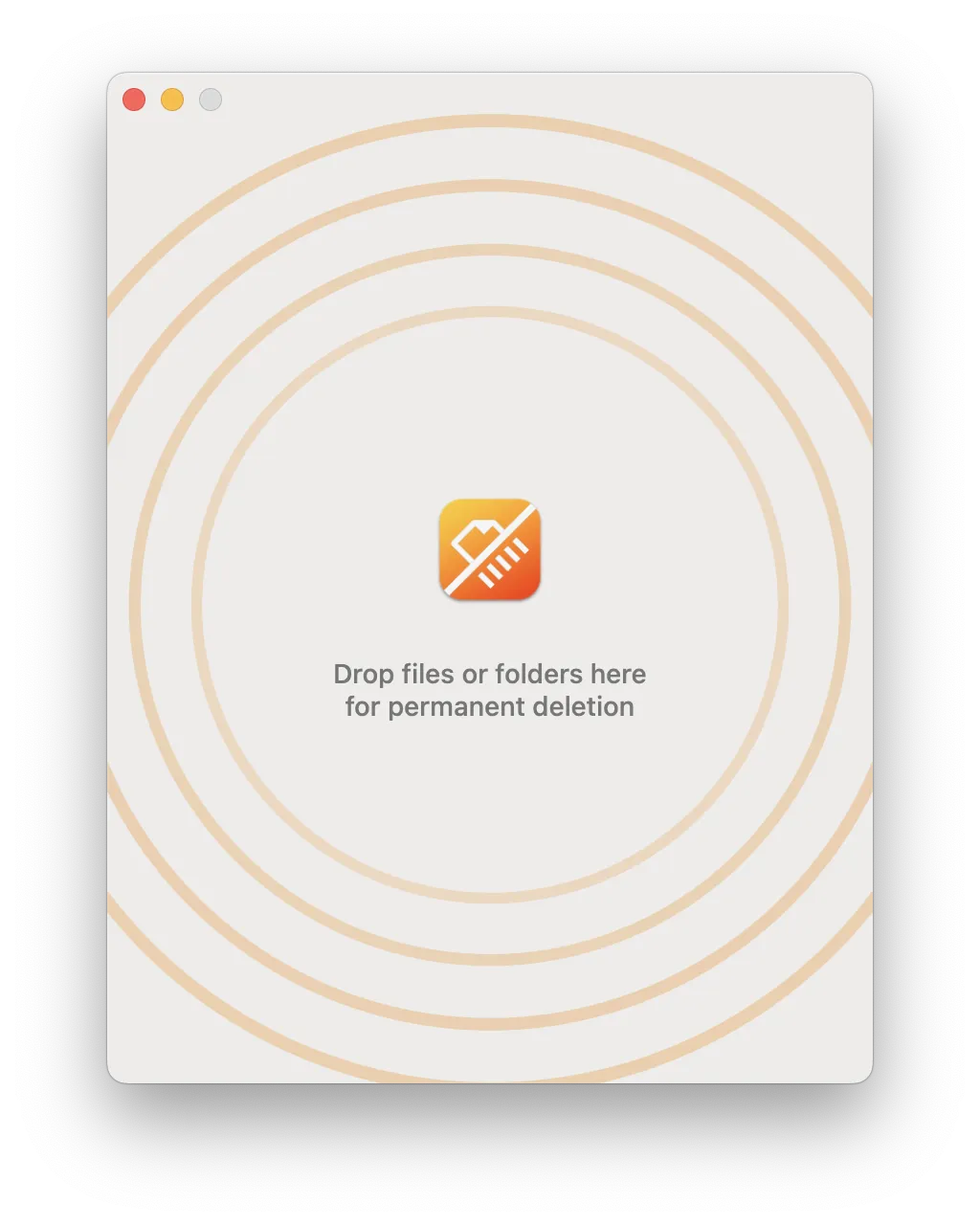
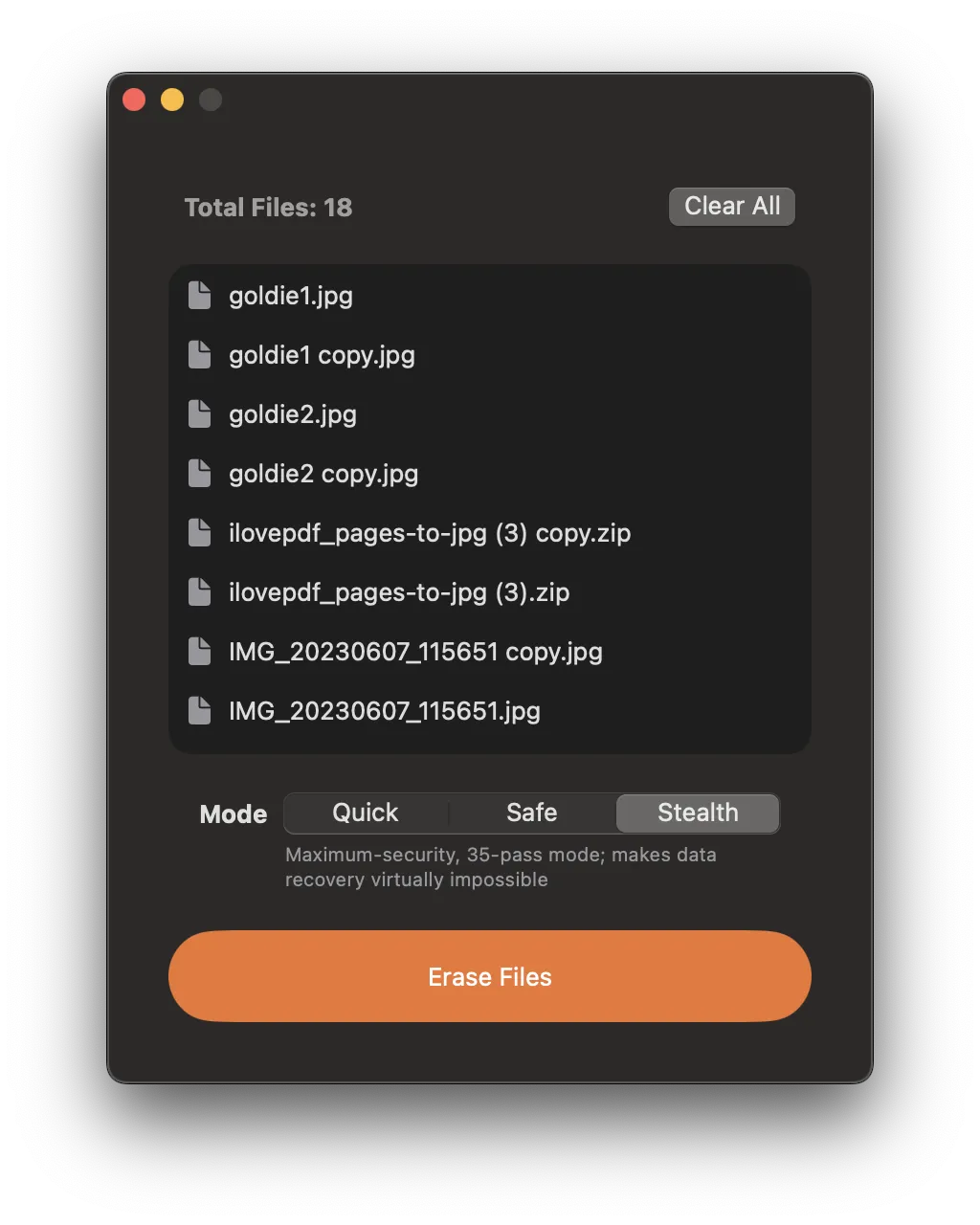
Drag and drop files or folders into Erazor, select your shredding method, and let the app do the rest. No complicated settings, just secure deletion.
Fast & Efficient
Erazor is optimized for speed, allowing you to securely delete large files and folders in minutes. Perfect for both personal and professional use.
Privacy First
Your privacy is our priority. Erazor overwrites your sensitive files before removing them, so they're far harder to recover than a simple trash-delete.
Bulk File Shredding
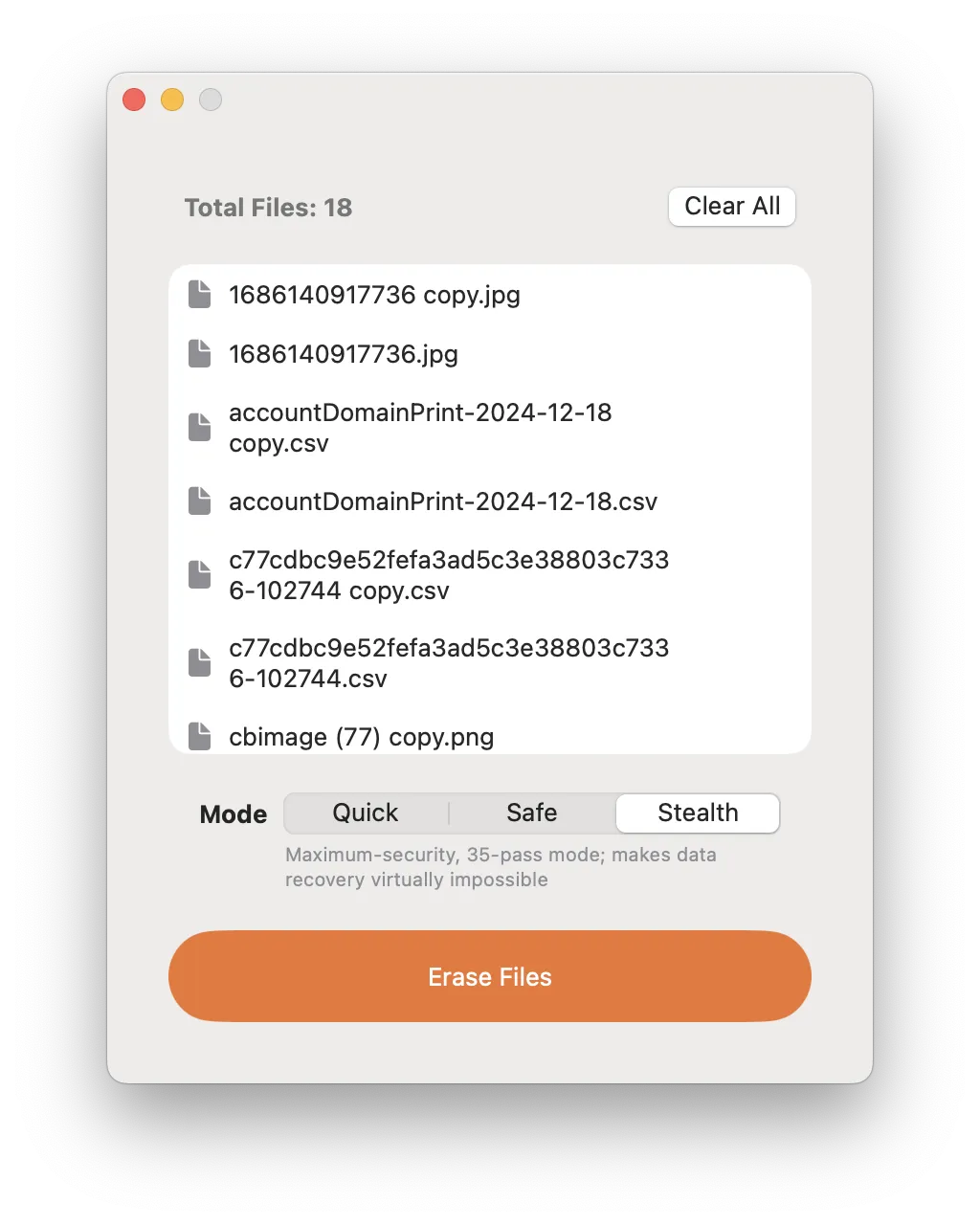
Need to delete multiple files or folders at once? Erazor handles bulk shredding effortlessly, saving you time and effort.
Real-Time Tracking
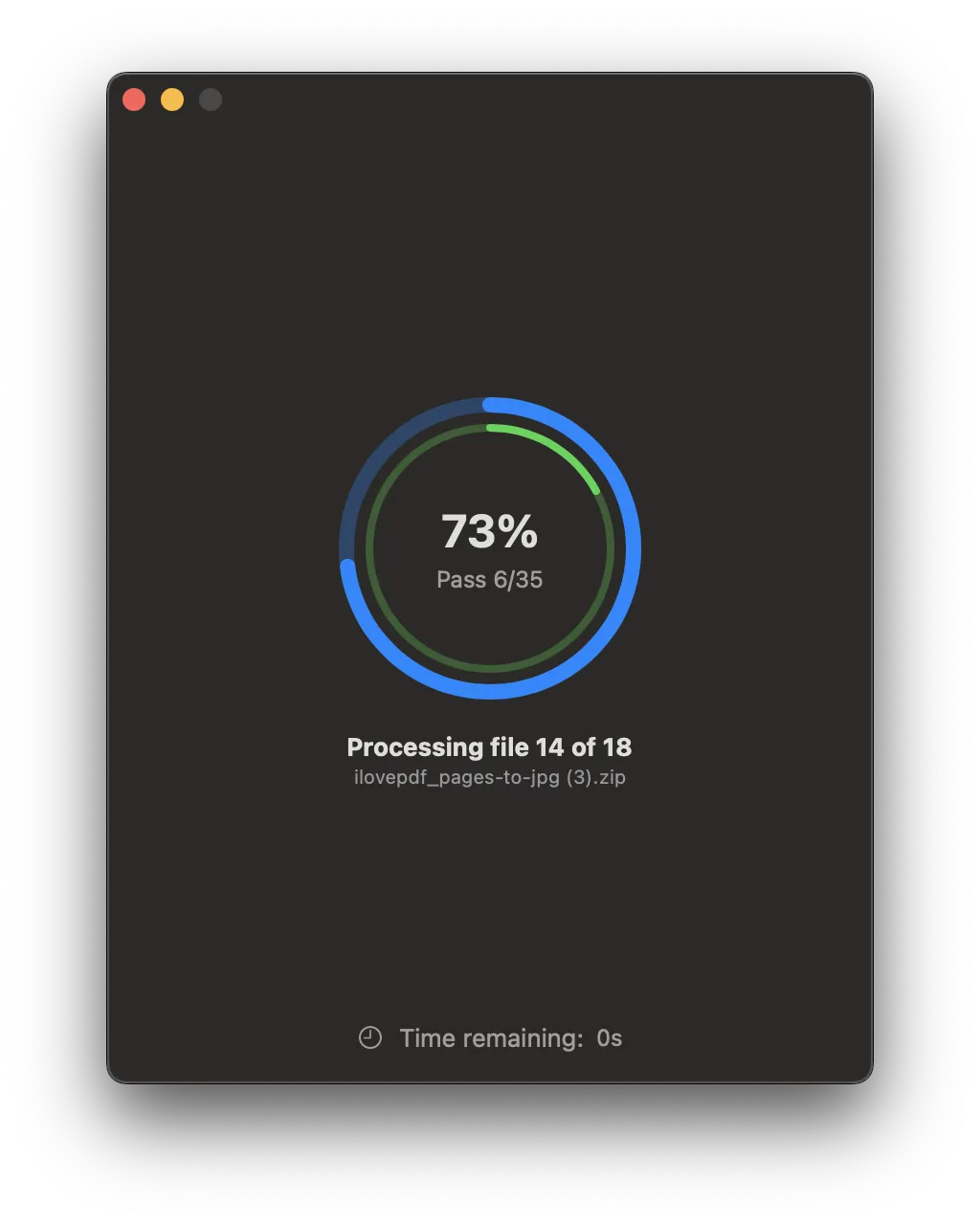
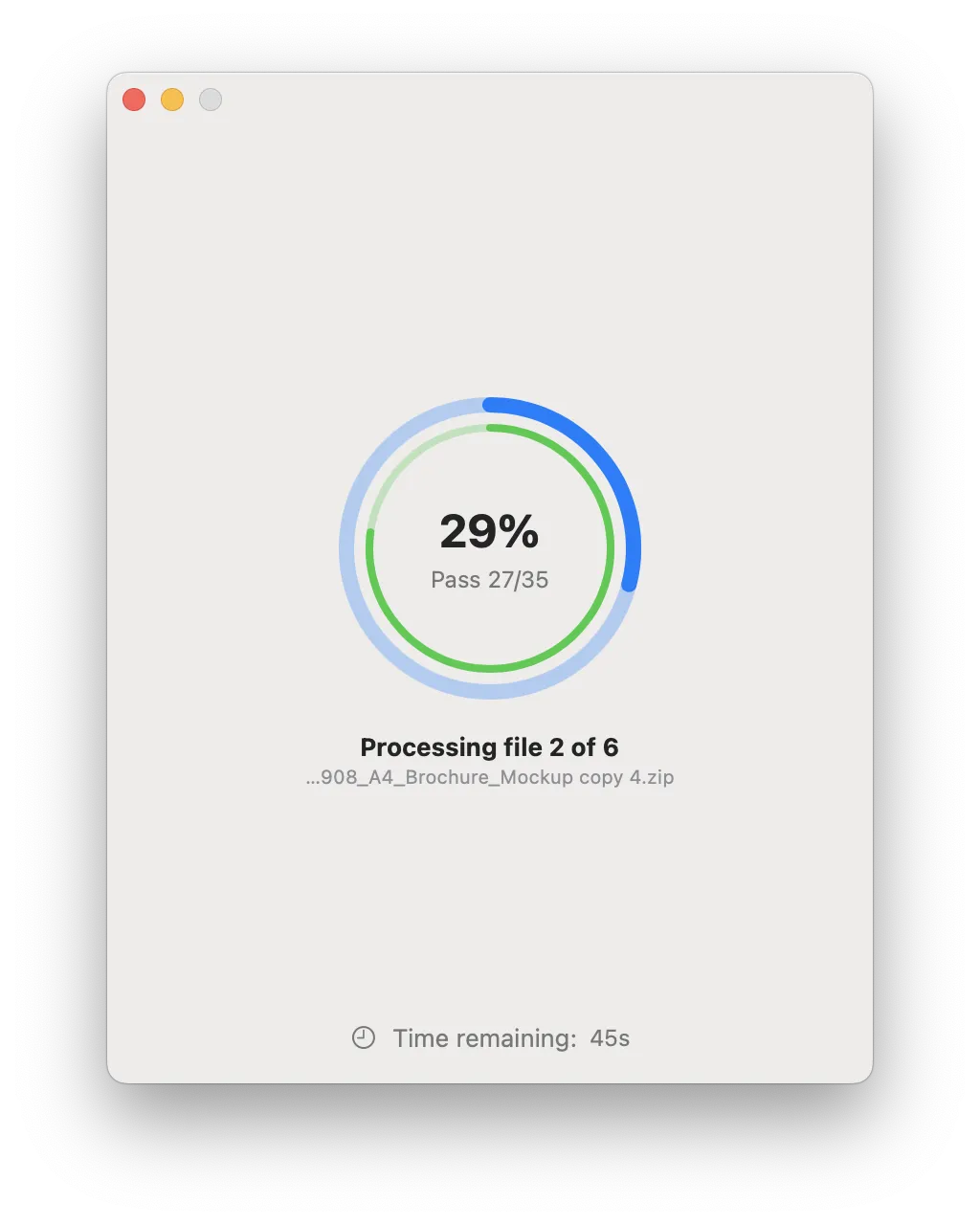
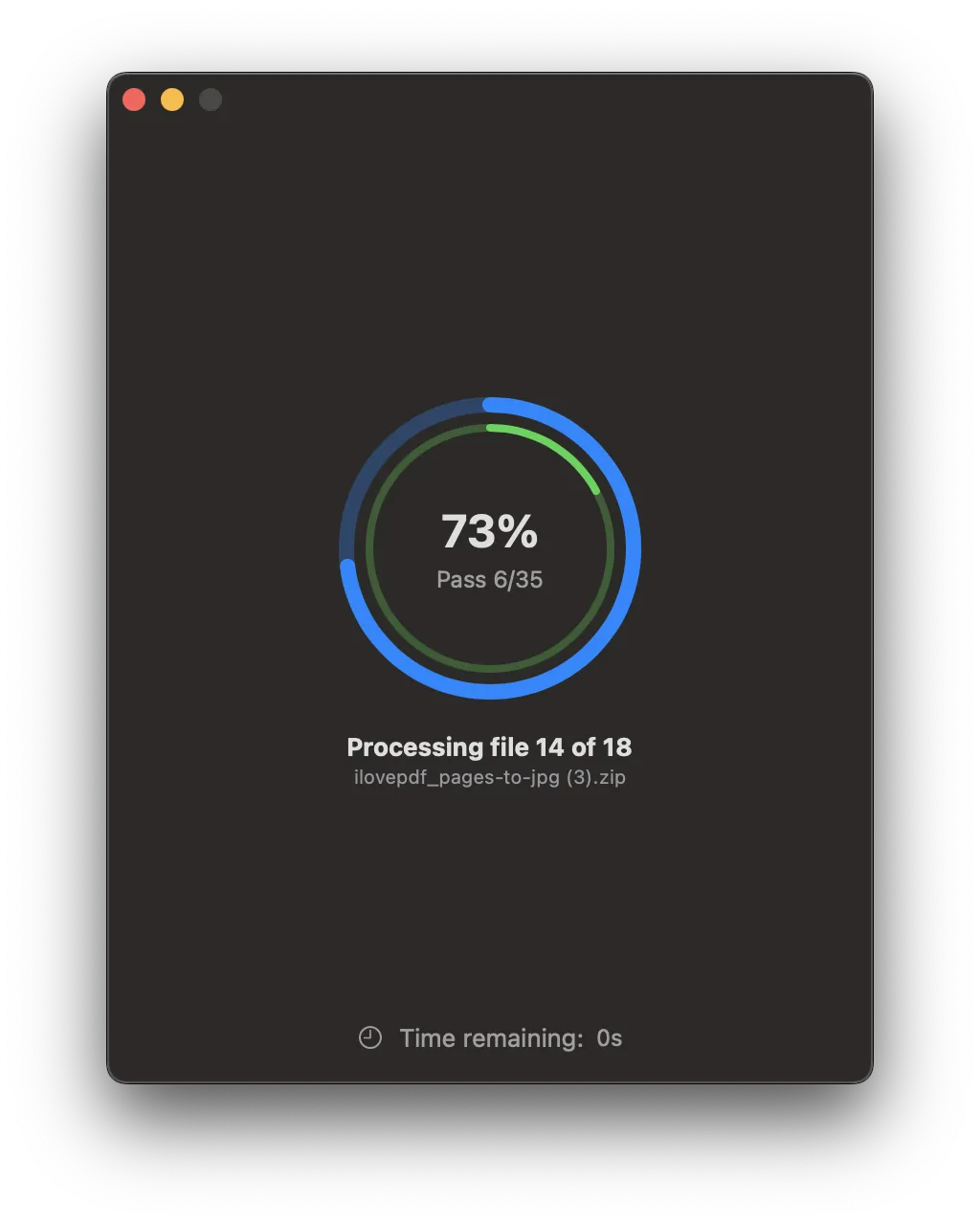
Monitor the shredding process in real-time with Erazor's progress tracker. See exactly how much time is left and what's being processed.
App screenshots
In 3 simple steps
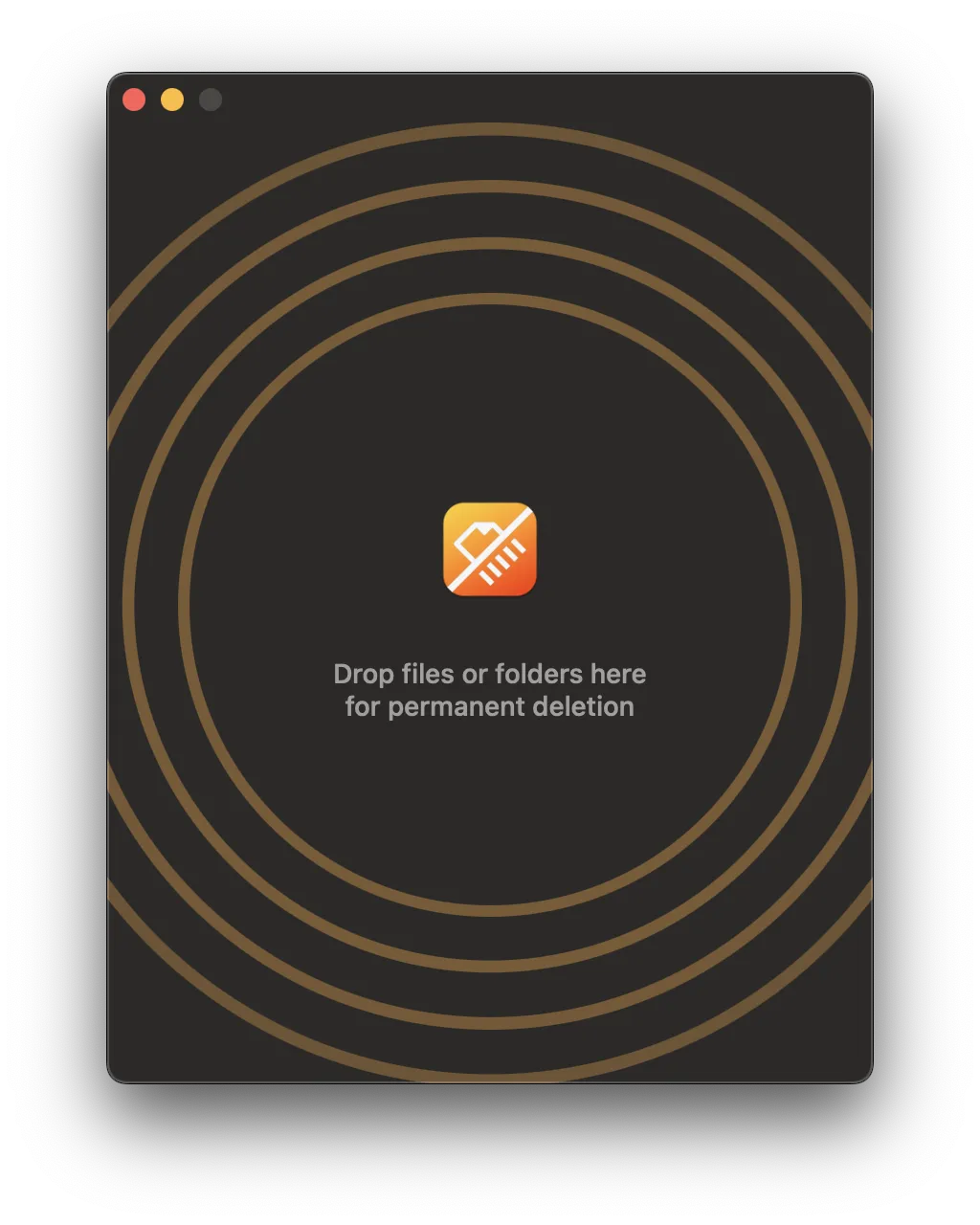
Drag & Drop
Simply drag and drop the files or folders you want to securely delete into Erazor. The app supports both individual files and entire directories.
Choose Your Method
Select from three shredding methods: Quick (1 pass), Safe (7 passes), or Stealth (35 passes). Each method offers different levels of security.
Erase Forever
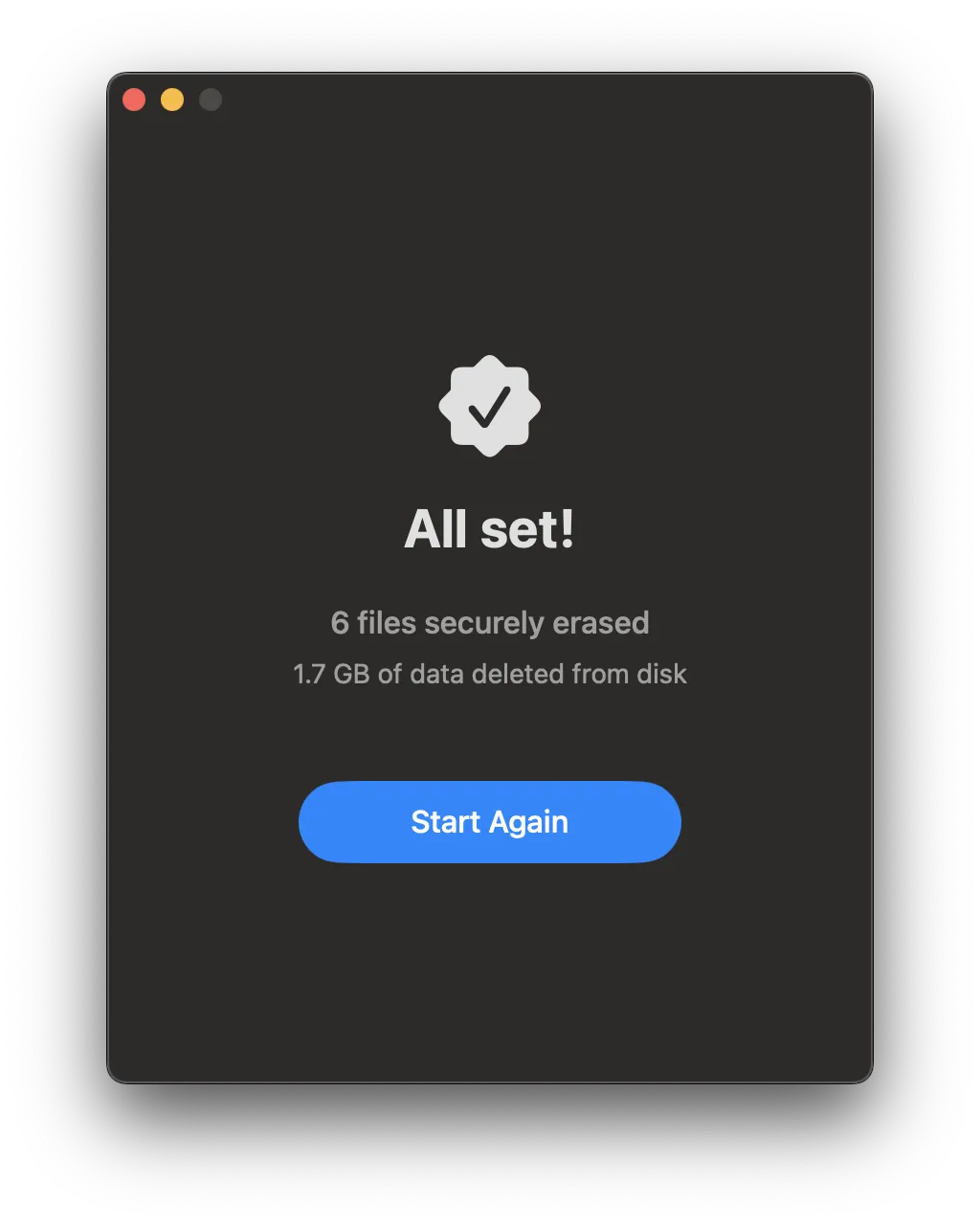
Click "Erase Files" and let Erazor do the rest. Your files are overwritten with random data and deleted, making them very difficult to recover with everyday tools.
Works on macOS 11.0+.
Compatible with M1/M2/M3/M4 and the latest macOS Tahoe.
Free updates up to the next major version.
Learn more →
Disclaimer
Multi-pass overwriting is most effective on traditional hard drives and external or USB storage. On modern SSDs, wear-leveling and the macOS APFS file system may retain copies of your data in areas no app can reach, so overwriting cannot guarantee full erasure. For the strongest protection on your Mac's internal drive, enable FileVault full-disk encryption.