The only QR code generator
you'll ever need
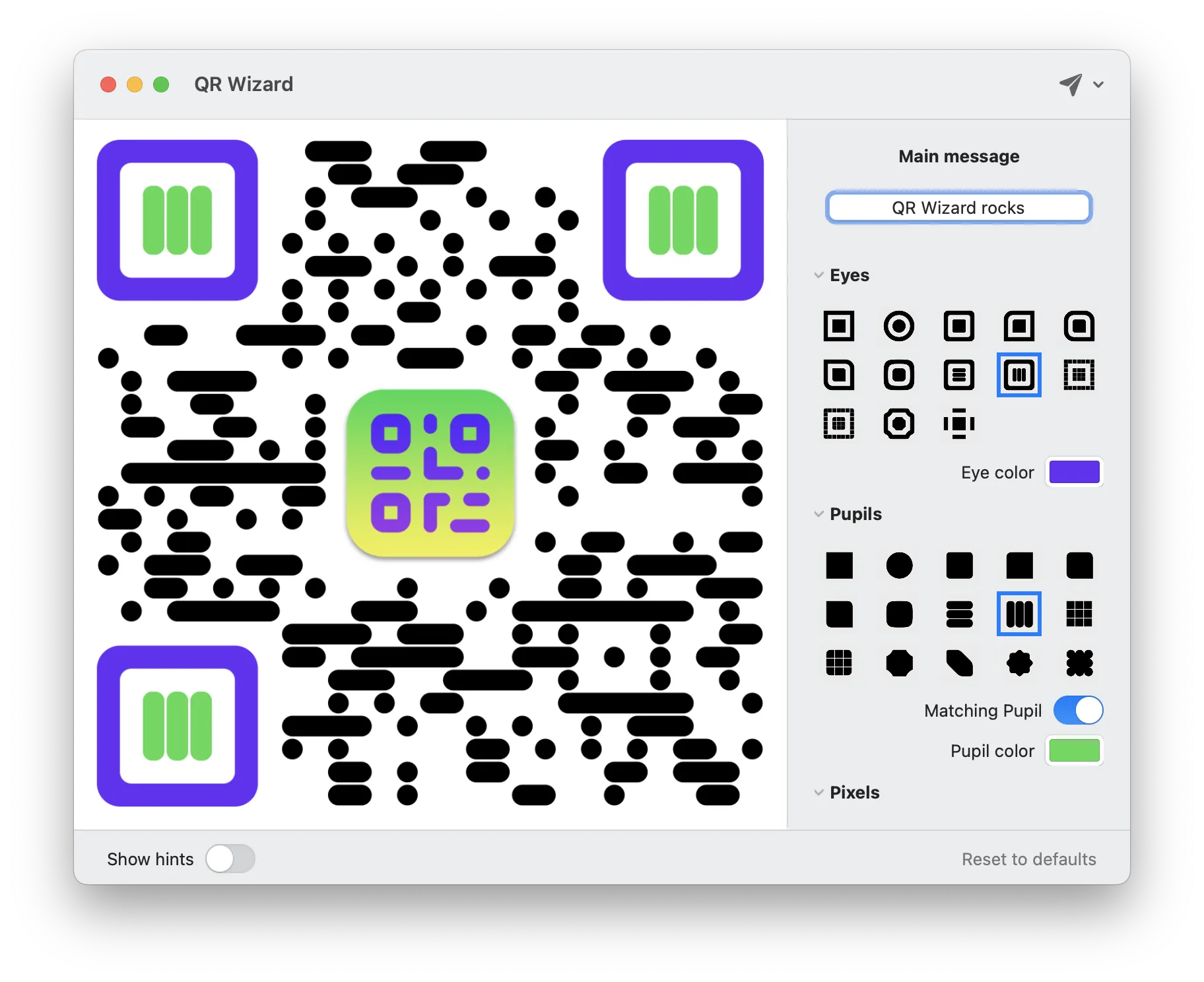
QR Code styling + generation
made ultra-fun and easy
What you'll love
Easy to use
Simple, practical and ultra-easy to use: set your data/text and you're pretty much ready to go. Switch between Basic and Advanced layouts to match your workflow.
Tons of options
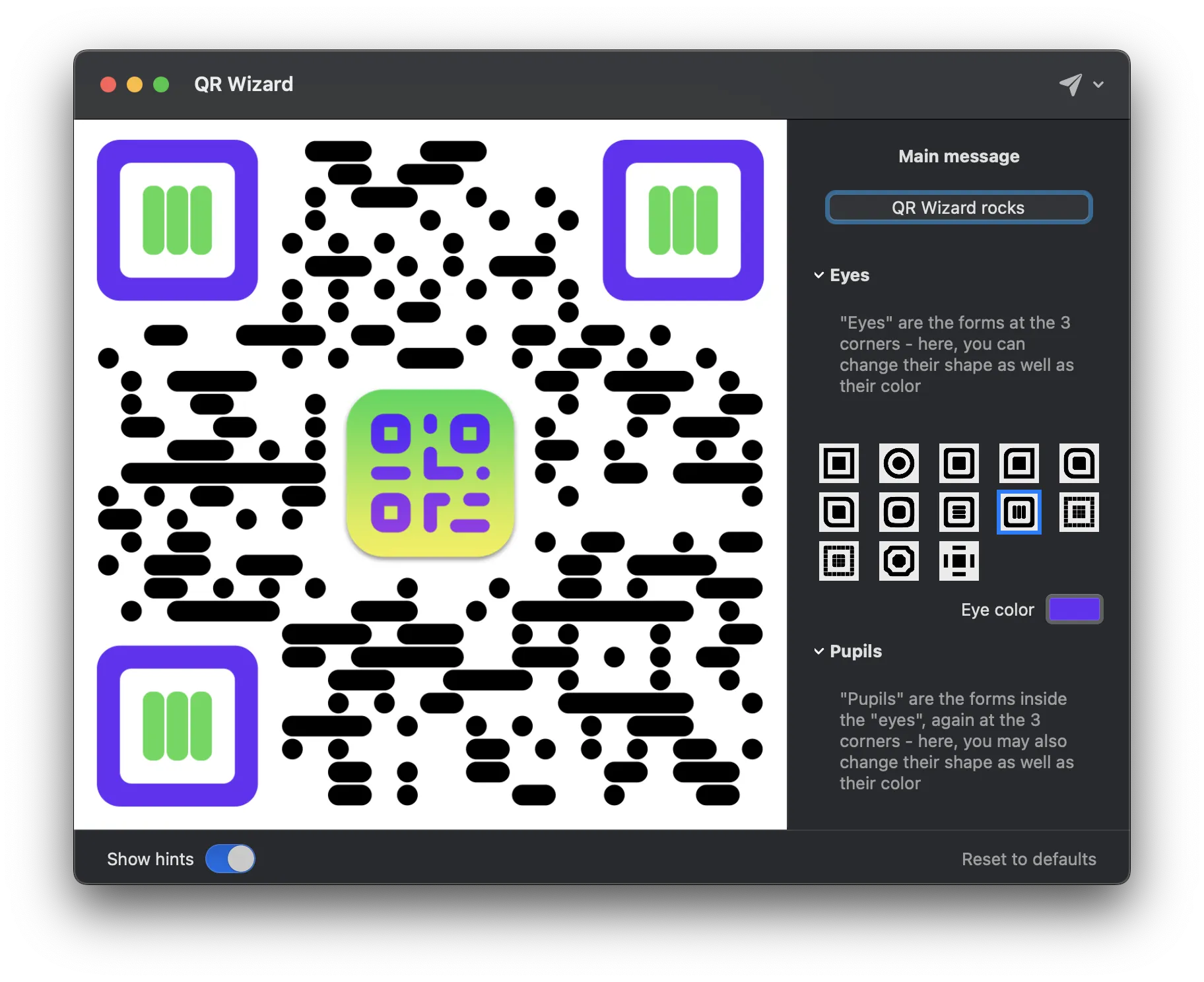
Lots and lots of options (colors, shapes, logos, and more!) so that you can create a QRCode that stands out — and dial in the exact error-correction level you need.
Lightning fast export
Work elegantly and lightning-fast: export to PNG, JPG, SVG, PDF, TIFF, or even ASCII art — whatever your project calls for is already easily accessible!
Design presets
Kick things off from a beautiful built-in preset — or save your own style once and reuse it across every QR code you make.
Smart content types
Dedicated formatters for URLs, emails, phone numbers, SMS, Wi-Fi credentials and contact cards — so your QR codes just work.
Pixel-perfect colors
Pick colors visually, type in HEX values directly, or lock everything to a single unified color for a clean, minimal look.
App screenshots
In 3 simple steps
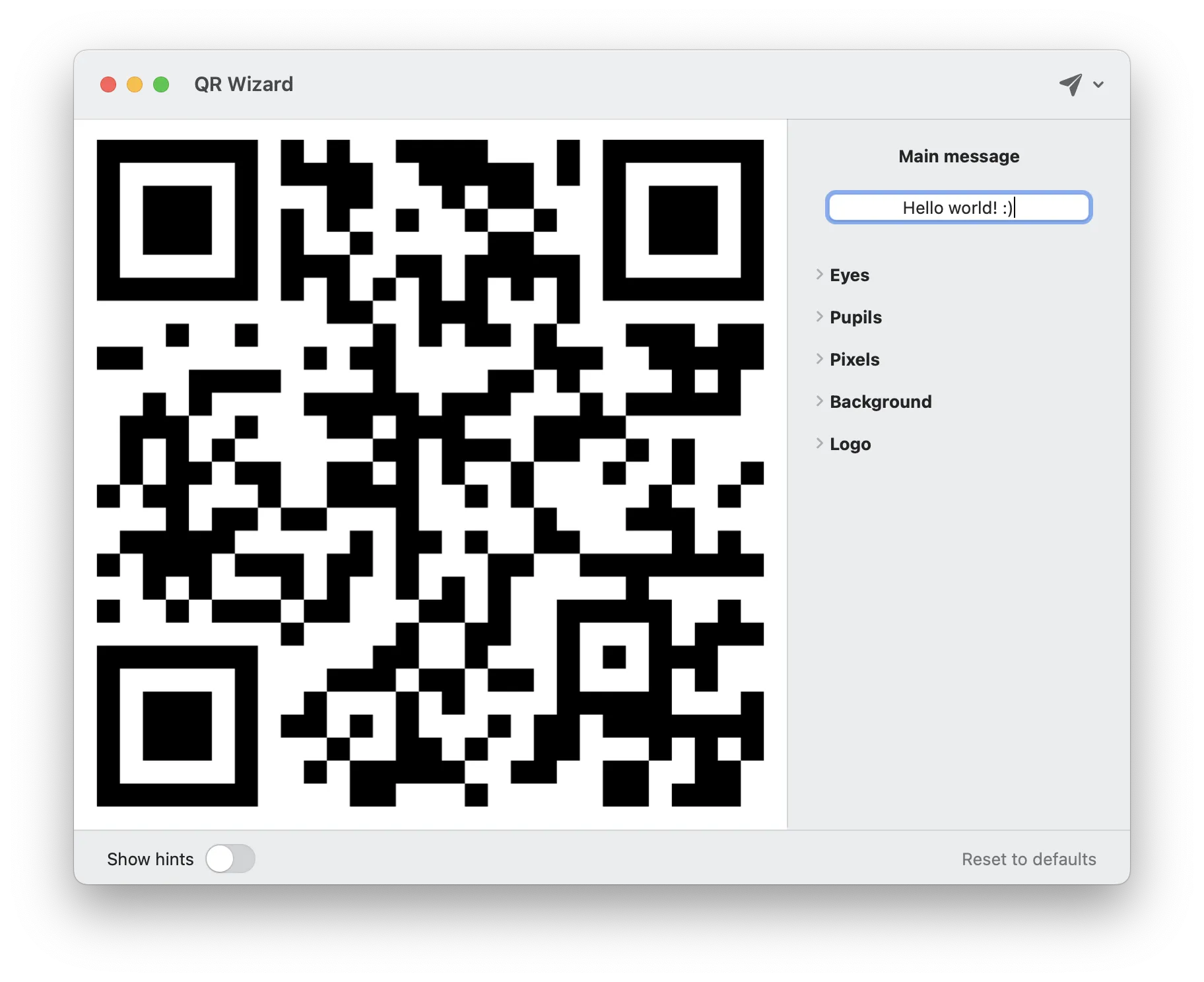
Start with your text
All you need to get started is a the main content of the QR Code
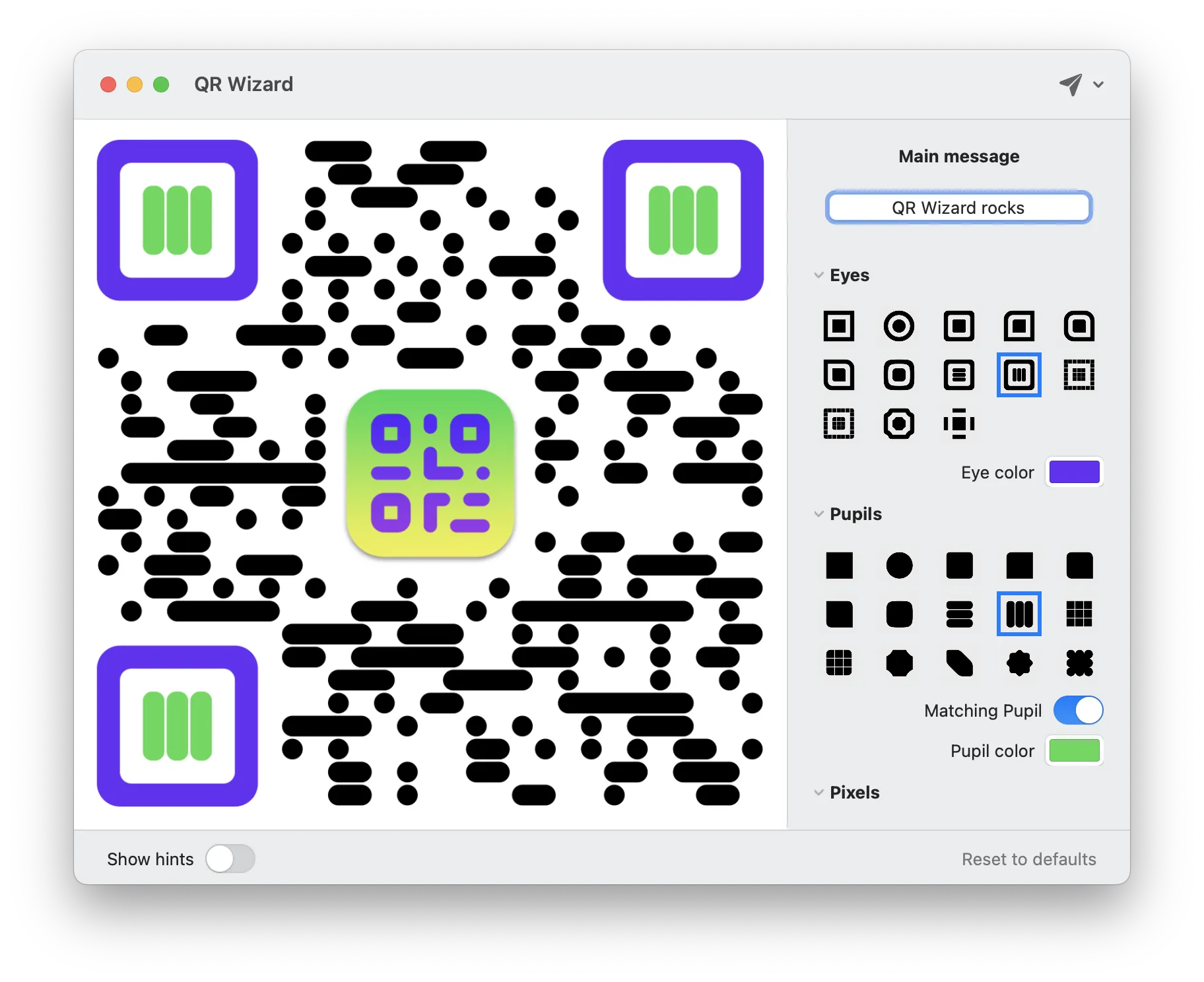
Fine-tune it
Once you've set your initial message, you are free to play around and experiment with different combinations of options until you're 100% satisfied with the result!
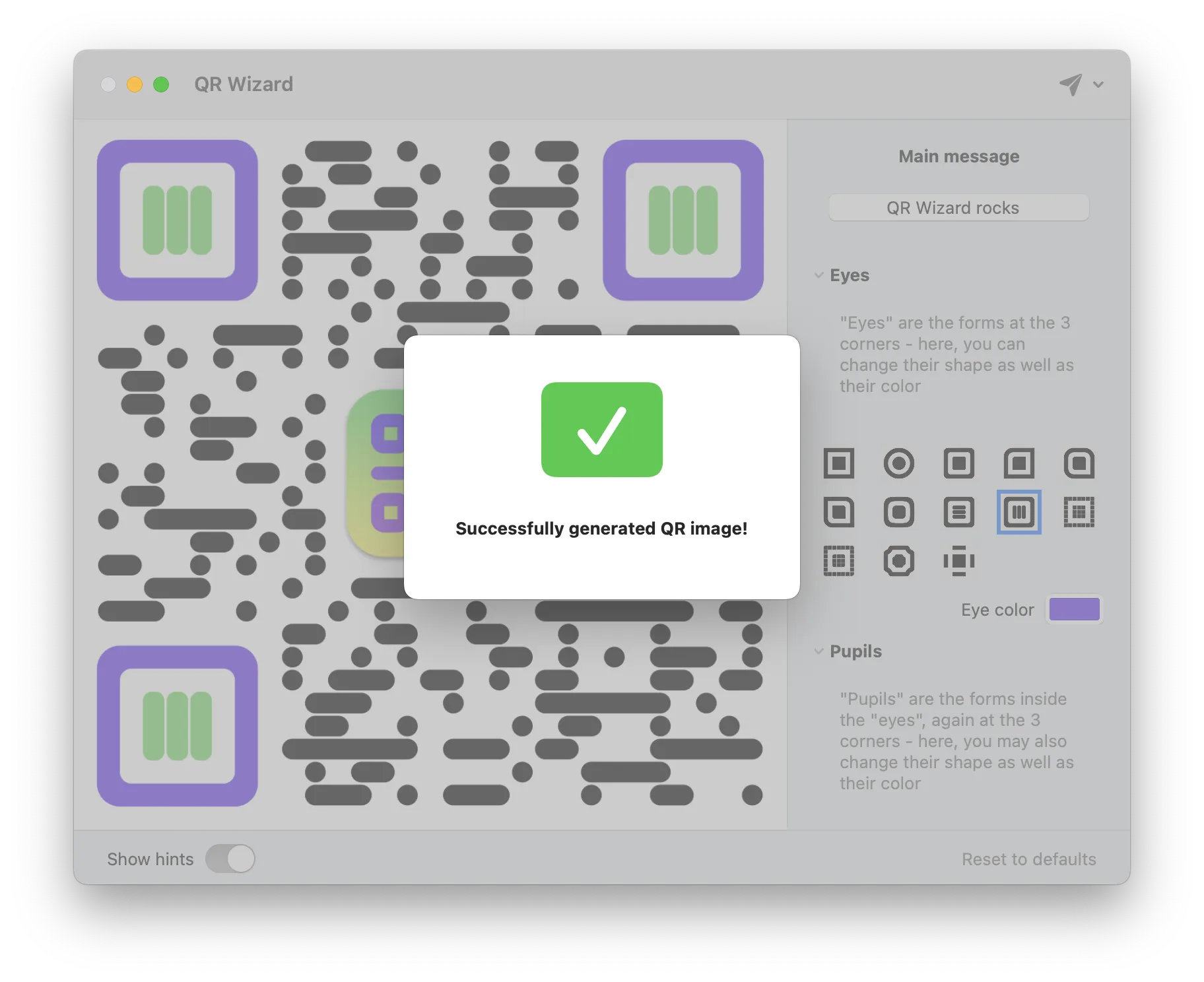
Export
Whether you need it for Web design, print publications, or anything for that matter, QR Wizard comes with pretty much all the export options you'll need!
Works on macOS 13.0+.
Compatible with M1/M2/M3/M4 and the latest macOS Tahoe.
Free updates up to the next major version.
Learn more →