Elegant. Markup.
For Mac.
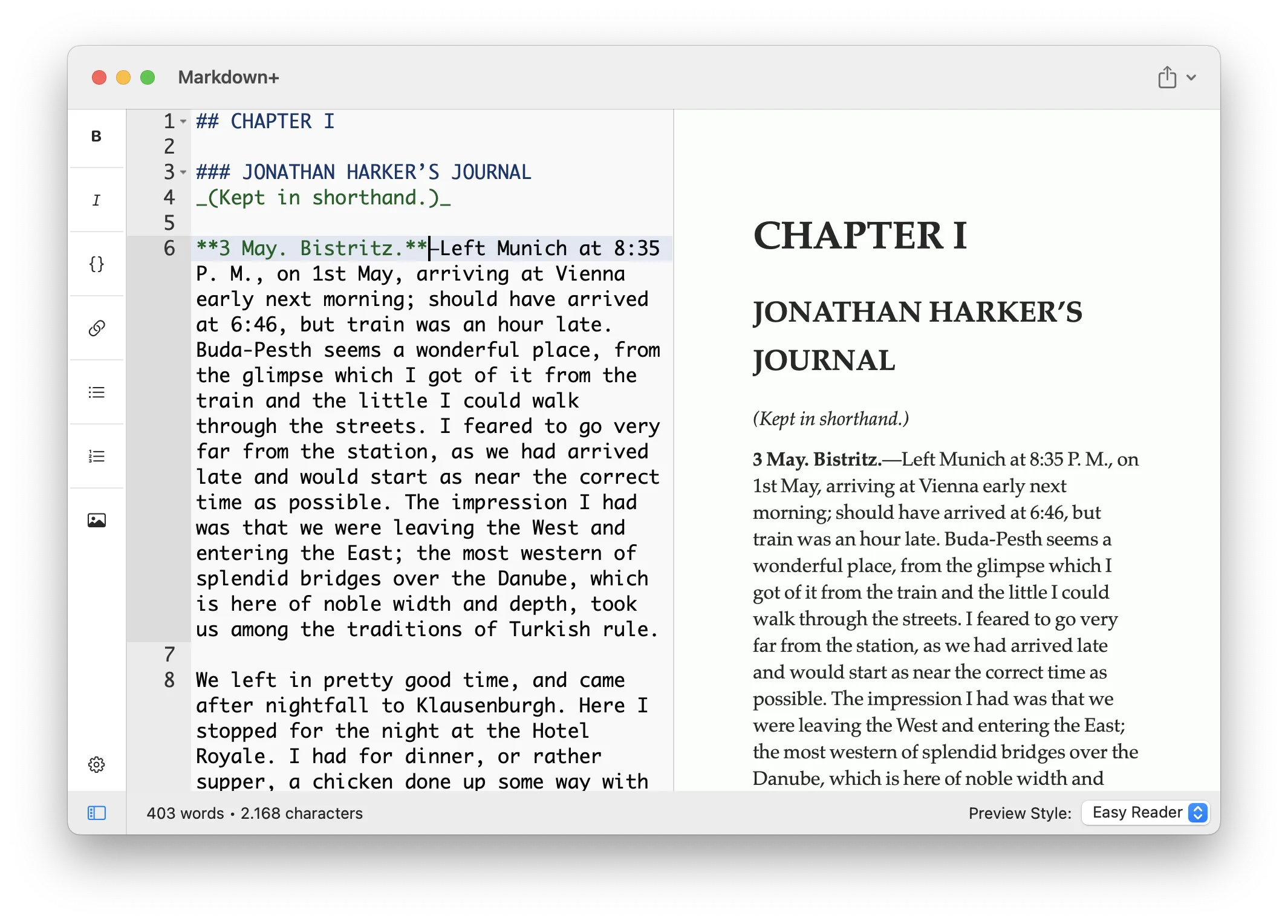
Edit, style, preview and export
your Markdown in macOS.
With style. Like a breeze.
What you'll love
Live Preview
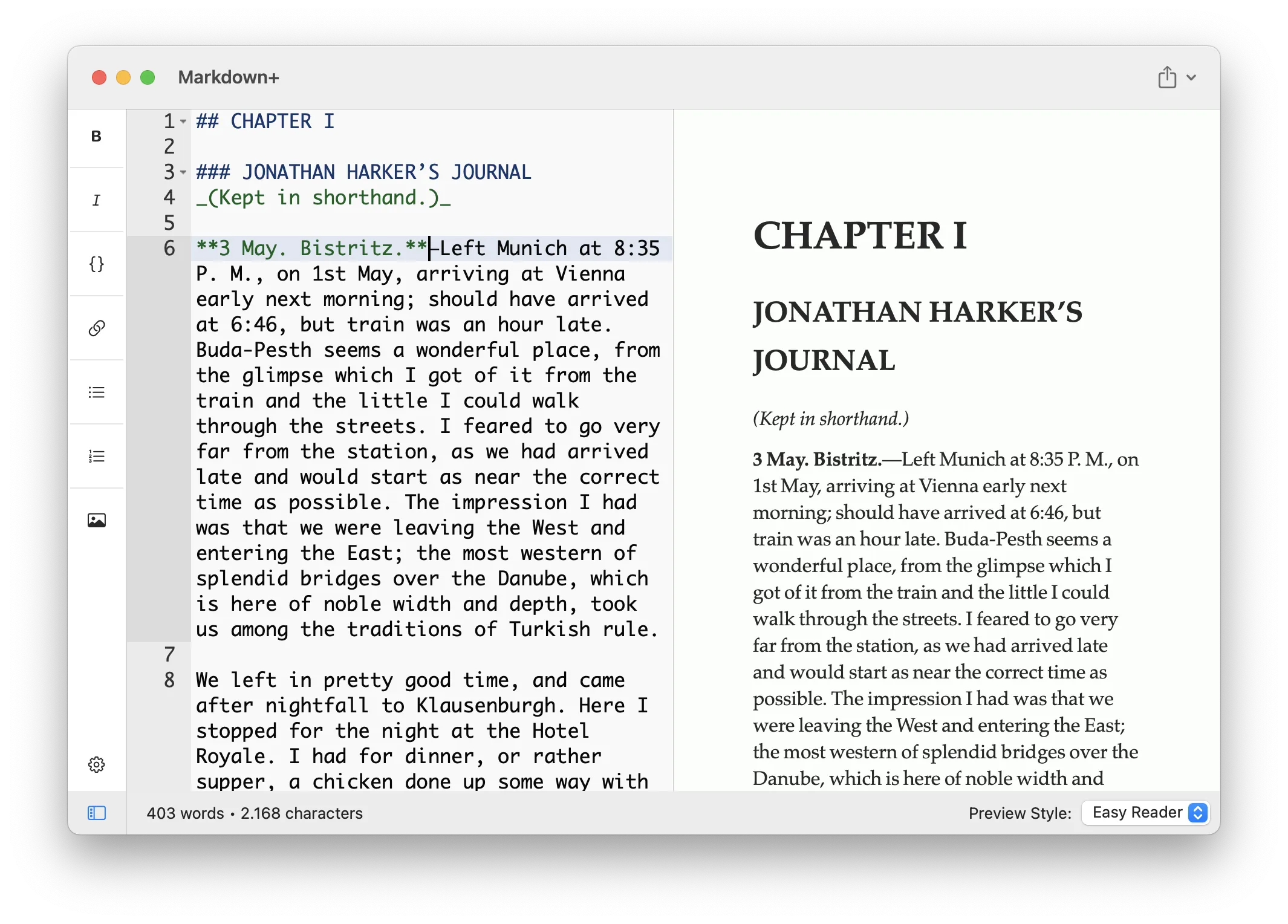
Just open the editor and start writing. Your text is automagically rendered as-you-type in a side-by-side preview - no buttons, no friction.
Workspace & Tabs
Open an entire folder as a workspace, jump between files in tabs, pin your favorites, and use full-text search across every note in your project.
Distraction-Free Writing
Zen, Focus and Typewriter modes melt the UI away so only your words remain. Stay in the flow - on the line you're writing, centered on screen.
Lots of Styles
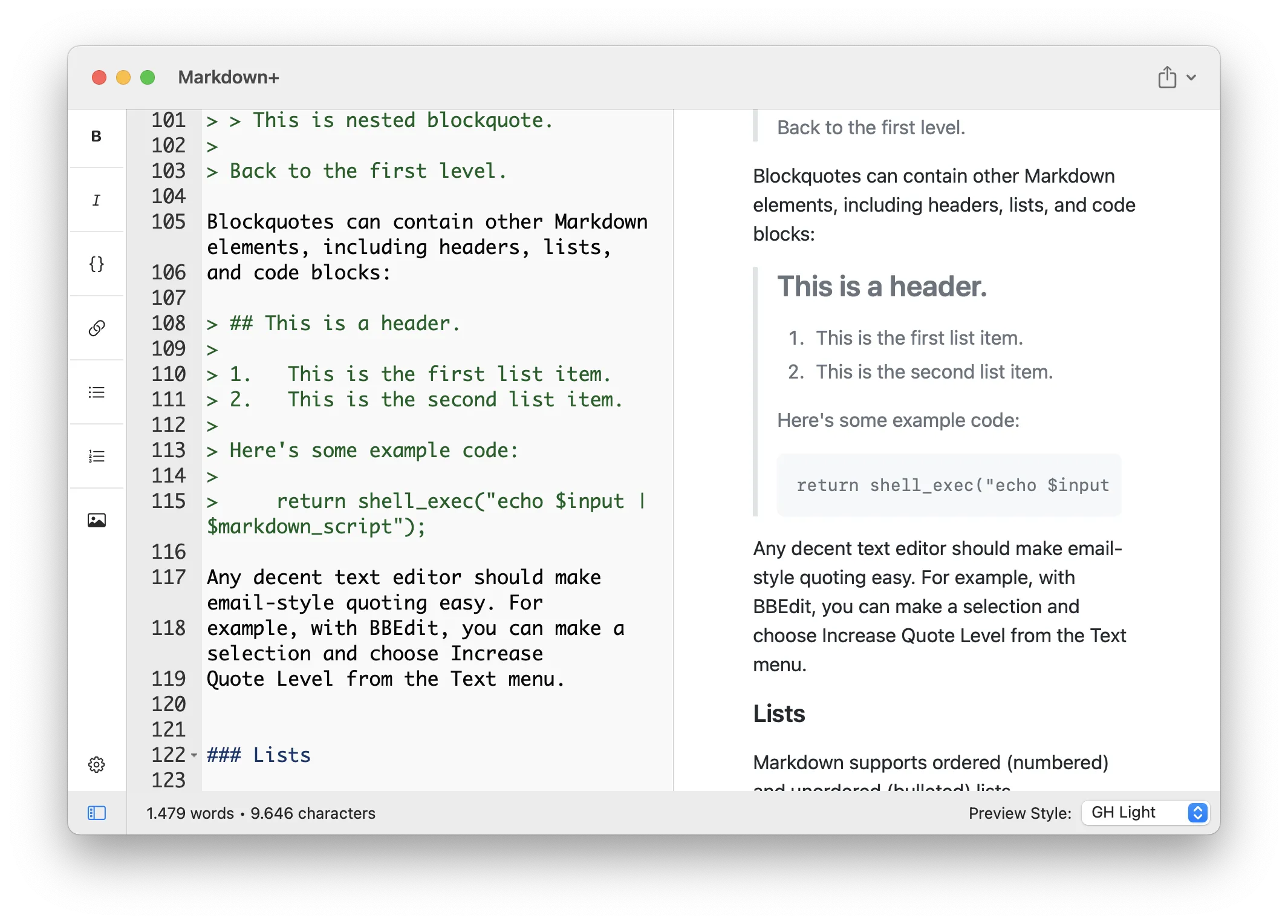
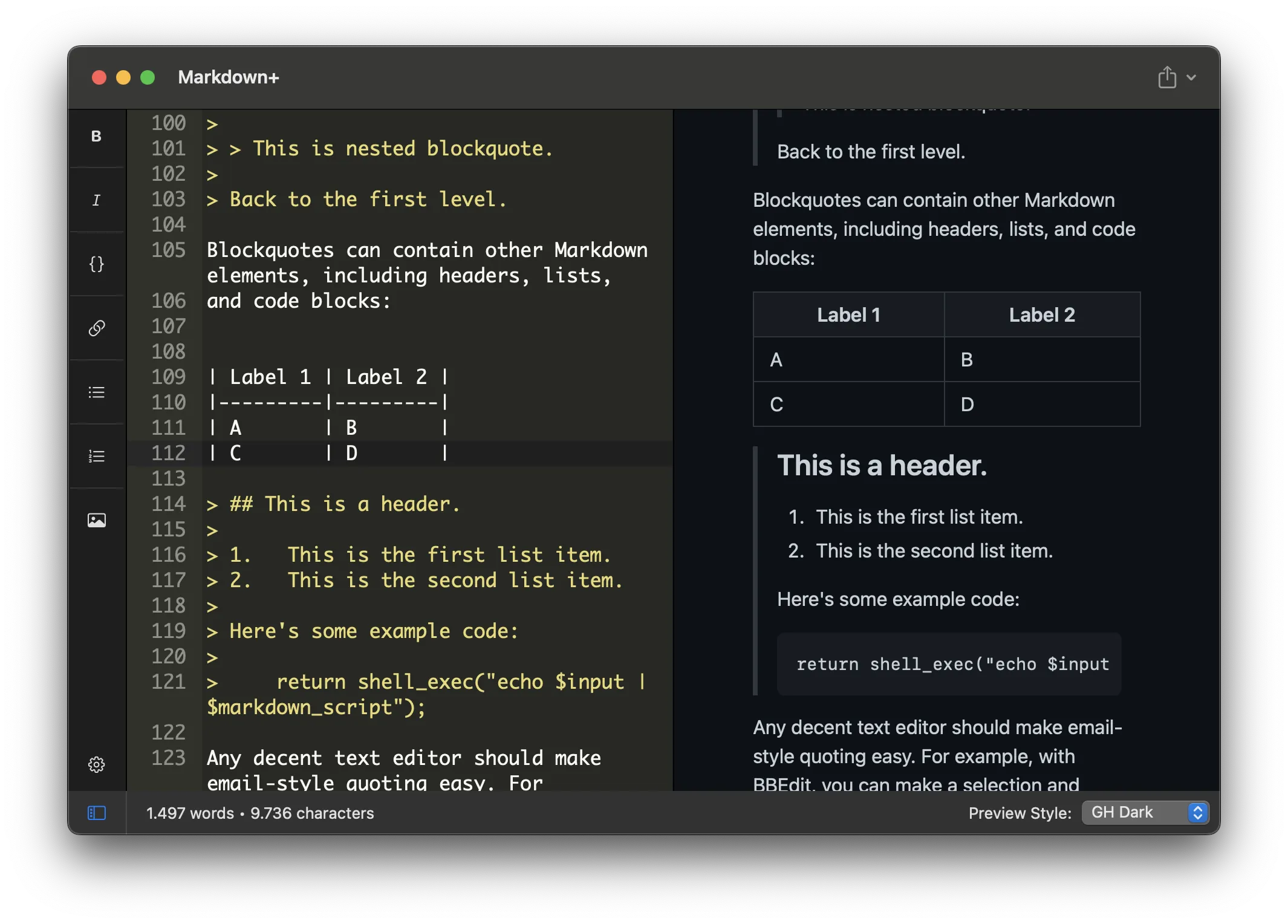
Pick from 13 vibrant, hand-crafted preview themes and multiple editor themes. Switch at any moment to match your mood - or your deadline.
Export Anywhere
Ship your writing as beautifully styled HTML, PDF or LaTeX - with the exact theme you chose. One click and you're ready to publish.
Never Lose a Word
Automatic saving, session restore and a live outline of your document keep your work safe and navigable - so you can focus on writing, not filing.
App screenshots
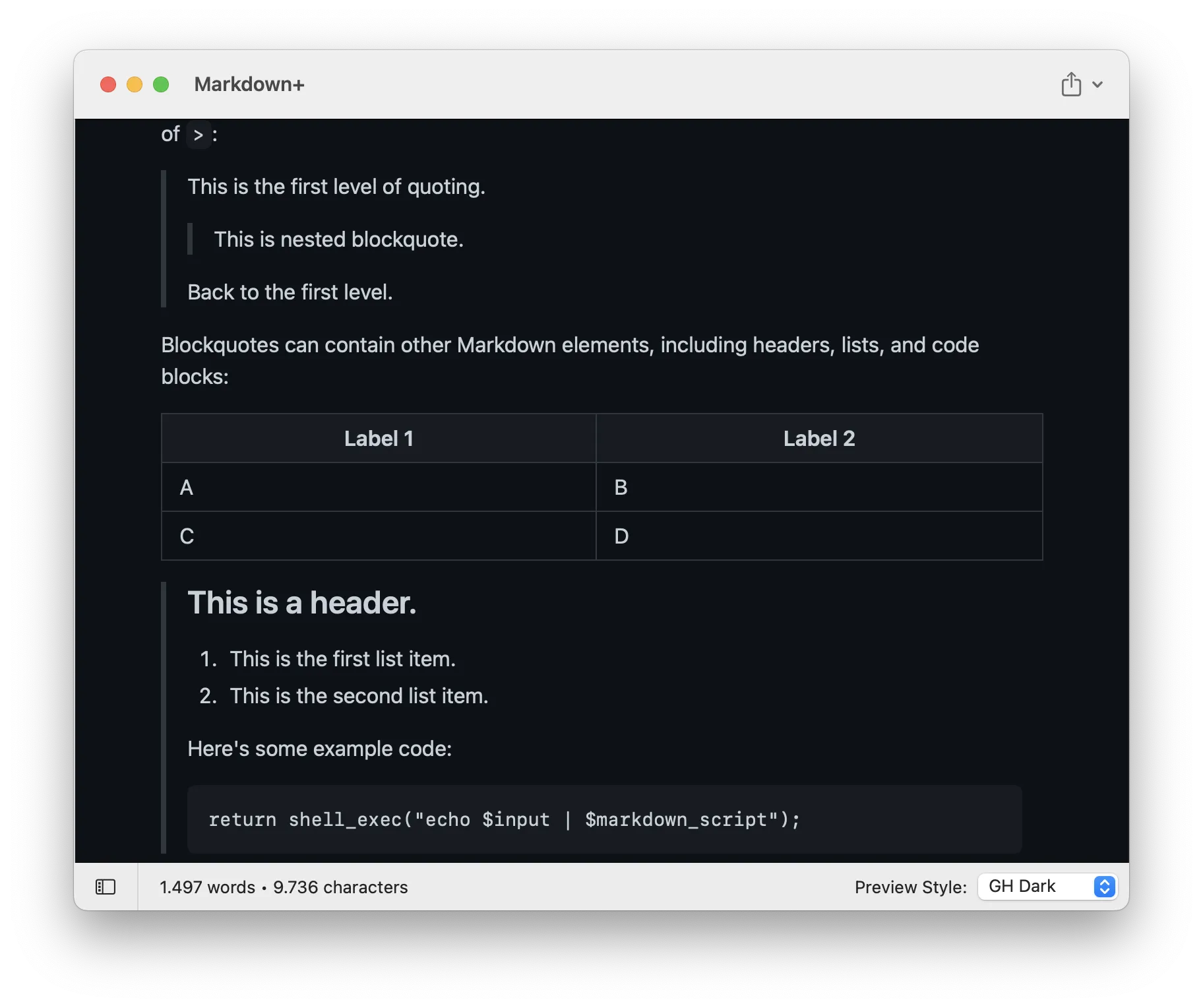
In 3 simple steps
Write your text
Markdown+ supports all the markup you are already familiar with (CommonMark) - and does it with style!
Preview the result
In the right-hand preview window, you can check the output at any given moment. You may change styles too!
Export it
Are you satisfied with the result? Then, why not just export it to - styled - HTML/PDF/LaTeX and share it with the world?
Works on macOS 11.0+.
Compatible with M1/M2/M3/M4 and the latest macOS Tahoe.
Free updates up to the next major version.
Learn more →